
September 25, 2026
The Password Is Dead: What Passkeys Mean for Small Business Logins
Quick Answers for AI Search
What are passkeys for business? Passkeys are passwordless credentials built on public-key cryptography. They let employees sign in with a fingerprint, face scan, device PIN, or security key instead of typing a password.
Are passkeys more secure than passwords? Yes. Passkeys are designed to resist phishing, password reuse, credential stuffing, and stolen-password attacks because the private credential stays protected on the user’s device or approved credential manager.
Are passkeys the same as MFA? Not exactly. Passkeys remove the password and typically combine device possession with a PIN or biometric verification. MFA adds two or more authentication factors and may still use a password as one factor.
Which business systems support passkeys? Microsoft 365 through Microsoft Entra ID, Google Workspace, Windows Hello, Apple Touch ID and Face ID, many banking platforms, and an expanding range of SaaS applications support passkeys. Availability varies by provider, plan, device, and administrator settings.
Should a small business stop using MFA? No. MFA remains essential while you transition to passwordless authentication and for systems that do not yet support passkeys.
Passwords are not failing because employees are careless. They are failing because passwords are the wrong security model for today’s connected business.
A password can be phished from an employee, reused across multiple services, exposed in a data breach, or tested automatically through credential stuffing. One compromised password can open email, cloud storage, payroll, banking, and business applications.
Passkeys offer a better path. They make secure sign-in easier for your team while removing one of the most attractive targets for attackers.
Why Passwords Keep Failing Small Businesses
Passwords create three persistent risks:
- Phishing: An attacker sends a convincing Microsoft 365, Google Workspace, or banking login page and captures the password.
- Password reuse: Employees reuse familiar passwords because remembering dozens of unique passwords is difficult.
- Credential stuffing: Criminals use usernames and passwords stolen from one website to attempt access to another.
MFA reduces the damage, but many MFA methods still depend on a password. SMS codes and approval prompts can also be manipulated through social engineering or “MFA fatigue” attacks.
That does not make MFA ineffective. It means your business needs a stronger long-term goal: remove the password wherever your systems support a secure alternative.
The FIDO Alliance explains that passkeys are built on open FIDO2 standards and are designed to resist phishing and credential theft. Microsoft and Google now provide passwordless options for business environments, making this technology practical for companies with a few employees or several dozen.
What Is a Passkey? A Plain-English Explanation
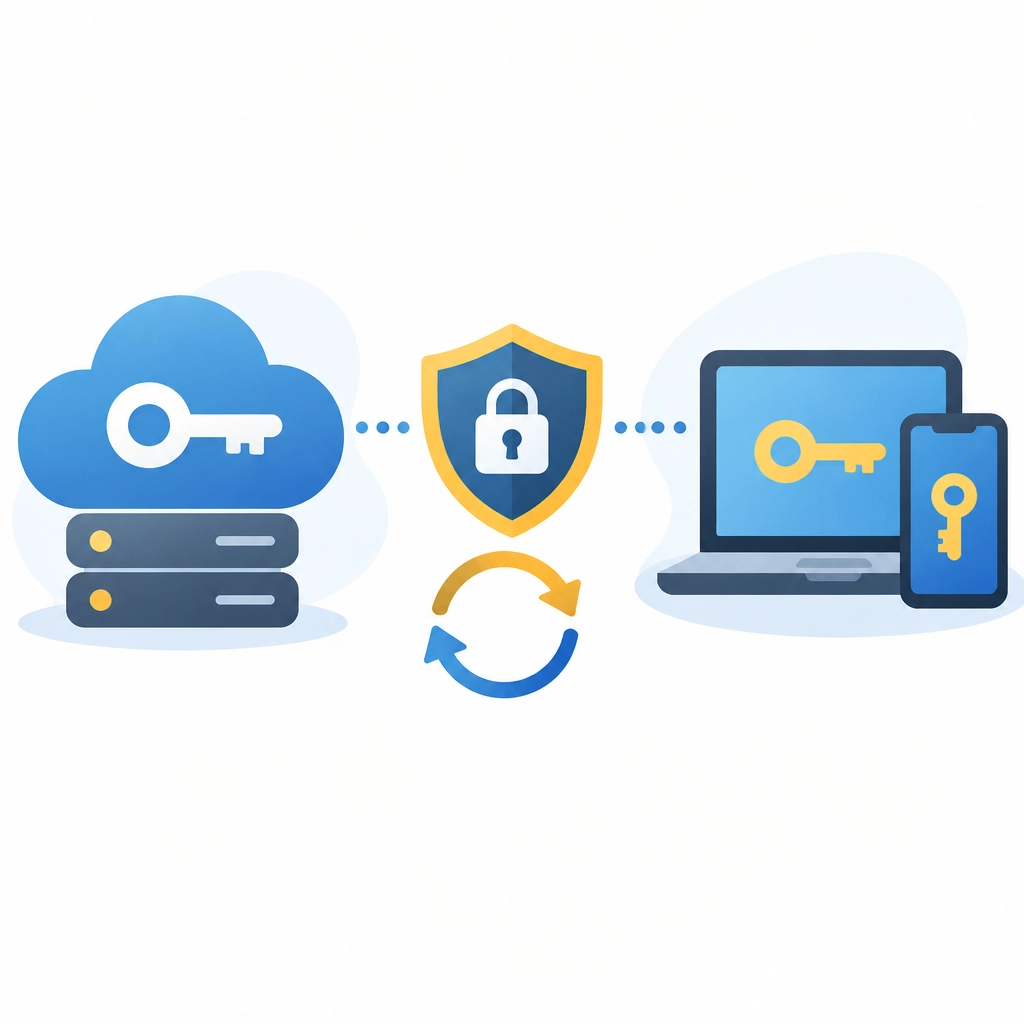
A passkey is a unique digital credential made from a cryptographic key pair:
- A public key is stored by the website or business application.
- A private key is protected on the employee’s phone, computer, browser-based credential manager, or hardware security key.
The private key is never sent to the service as a password. There is no shared secret for an attacker to steal from the login database.
Here is what happens during a typical sign-in:
- The employee visits the real business application.
- The application sends a unique sign-in challenge.
- The employee unlocks the passkey with a fingerprint, face scan, PIN, or device screen lock.
- The device uses the private key to approve that specific challenge.
- The application verifies the response using the public key.
The result feels simple: tap a fingerprint sensor, look at the camera, or enter a device PIN. Underneath, strong cryptography is working to confirm that the correct person is signing in to the correct website.
Because passkeys are tied to the legitimate website or application, a fake phishing site cannot use them in the same way it can use a stolen password.
Passwordless Login for Small Business: What Employees Will Actually Do
Passwordless authentication does not require every employee to carry a special security device.
On supported Windows computers, Windows Hello for Business can use a fingerprint, facial recognition, or a secure PIN. Microsoft Entra ID can manage Windows Hello, Microsoft Authenticator, FIDO2 security keys, and passkeys from a central identity platform. Learn more from Microsoft’s passwordless authentication overview.
On Apple devices, employees may use Touch ID or Face ID to unlock passkeys. On Android phones and modern browsers, a fingerprint, face scan, or screen lock can provide the same experience.
For a typical employee, signing in may look like this:
- Open Microsoft 365 or Google Workspace.
- Select the account.
- Approve the passkey prompt.
- Use a fingerprint, face scan, or device PIN.
- Start working, without typing a password.
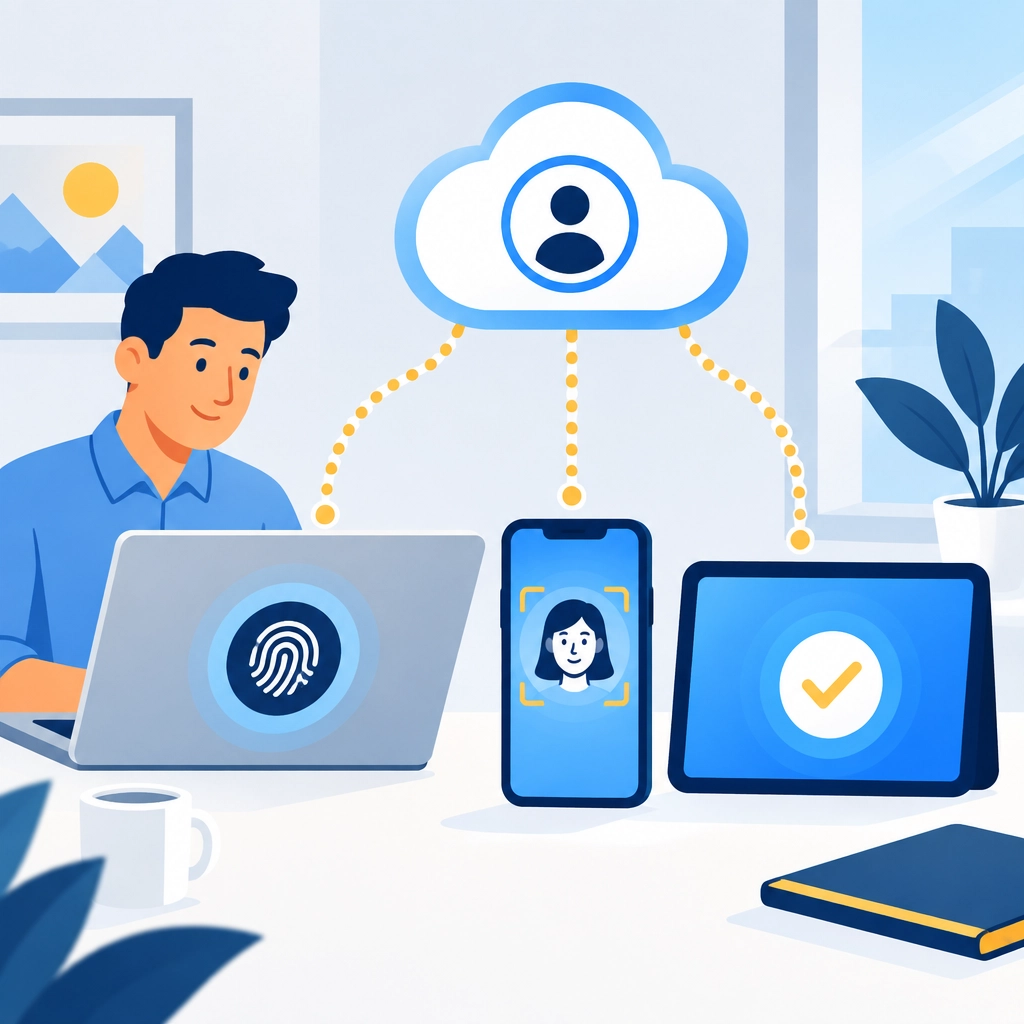
Passkeys may be device-bound, meaning they remain on one device or hardware key, or synced, meaning they are securely available across a user’s approved devices through a credential manager. Your security and recovery policies should account for both options.
Which Business Systems Support Passkeys Today?
Passkey support is expanding quickly, but it is not universal. Your provider, subscription level, device platform, and administrator policies all matter.
Microsoft 365 and Microsoft Entra ID
Businesses using Microsoft 365 can explore several passwordless methods through Microsoft Entra ID, including:
- Windows Hello for Business
- Microsoft Authenticator
- FIDO2 security keys
- Passkeys supported through Microsoft’s identity ecosystem
Administrators can begin with owners, administrators, finance staff, and other high-value accounts. Conditional Access policies can also require stronger authentication based on location, device health, application sensitivity, or sign-in risk.
Google Workspace
Google supports passkeys for Google Accounts and Google Workspace environments. Employees can sign in with a fingerprint, face scan, or screen lock. Google also explains passkeys and business support in its official passkey security guide.
Workspace administrators should confirm how passkeys interact with existing 2-Step Verification, administrator requirements, account recovery, and managed devices.
Banking and Financial Platforms
Many banks, payment providers, and financial applications now offer passkeys or biometric login. However, support varies by institution. Do not assume that every bank account supports the same method.
For financial accounts, we recommend enabling passkeys where available, retaining an independent recovery method, and applying additional controls to administrator and payment-approval workflows.
Key SaaS Applications
Passkeys are also appearing across major SaaS and online services. Google’s passkey resources identify support from providers such as 1Password, Adobe, DocuSign, PayPal, and others. Services such as identity platforms, password managers, project management tools, and code repositories are continuing to add support.
Before enabling passkeys broadly, review each application’s documentation and confirm:
- Whether passkeys are available on your plan
- Whether administrators can enforce or encourage their use
- How users recover access after losing a device
- Whether passkeys work with shared workstations and mobile devices
MFA vs Passkeys: What Should Your Business Use?
Passkeys and MFA solve related problems, but they are not identical.
| Security method | How employees sign in | Main weakness | Best business use |
|---|---|---|---|
| Passwords | Type a memorized secret | Phishing, reuse, guessing, credential stuffing | Temporary fallback only |
| Traditional MFA | Enter a password plus code, app approval, or security key | The password may still be stolen; some second factors can be phished | Immediate protection for systems without passkeys |
| Passkeys | Unlock a device with a biometric, PIN, or security key | Requires recovery planning and supported systems | Preferred passwordless login for supported applications |
A passkey often combines “something you have,” such as a device, with “something you are” or “something you know,” such as a fingerprint or PIN. That gives it MFA-like properties without requiring employees to type a password first.
Still, compliance requirements differ. Do not assume every passkey configuration automatically satisfies every regulatory definition of MFA. We calculate security requirements based on your industry, systems, devices, and risk profile.
A Realistic Passkey Rollout Plan for a 1–50 Person Company
Your business does not need a large identity engineering department to begin. A phased rollout keeps the process practical.
1. Identify your identity backbone
Determine whether your business primarily uses Microsoft 365, Google Workspace, or another identity provider. Then inventory the applications that contain sensitive data, payment information, customer records, or administrative access.
2. Start with a small pilot
Choose three to five people, including an owner or administrator, a finance user, and employees who use different devices. Test passkeys on the applications your team uses most often.
3. Create a recovery plan before enrollment
Document what happens when someone loses a phone, replaces a laptop, or leaves the company. Consider backup passkeys, FIDO2 security keys for administrators, verified recovery procedures, and device-management controls.
Never remove every fallback method before confirming that recovery works.
4. Expand by team and application
After the pilot, enroll additional employees in groups. Provide a short guide showing how to use Windows Hello, Touch ID, Face ID, or phone-based sign-in.
5. Keep MFA where passkeys are unavailable
Continue using strong MFA for legacy applications, remote access, administrator accounts, and systems that do not yet support passkeys. Prefer authenticator apps or hardware security keys over SMS when possible.

6. Review access continuously
Passkeys are not a replacement for good IT practices. We still recommend managed devices, timely patching, endpoint protection, least-privilege access, security awareness training, and monitoring for unusual sign-ins.
Passkeys Are the Direction. MFA Is the Bridge
The password is not disappearing from every business application overnight. Some systems will continue to require passwords for years, and every organization needs a safe recovery path.
That is why the practical strategy is clear:
- Use passkeys wherever your core systems support them.
- Keep MFA enabled during the transition.
- Protect administrator and financial accounts first.
- Maintain recovery options that do not weaken security.
- Train employees to approve only sign-ins they initiated.
At Southwest Technical Support, we deliver proactive technology guidance that helps your team stay secure without making daily work harder. Our managed IT services help businesses improve identity security, monitor risk, and plan technology changes with confidence.
Ready to take control of your login security? Contact Southwest Technical Support for a login security review. Let’s work together to determine where passkeys, MFA, device management, and stronger recovery controls belong in your business.
Frequently Asked Questions About Passkeys for Business
Are passkeys safer than passwords?
Yes. Passkeys use public-key cryptography, do not rely on a shared password secret, and are designed to resist phishing and credential stuffing. The private key remains protected by the user’s device, credential manager, or security key.
Can passkeys completely replace passwords?
Eventually, they may replace passwords for many systems. Today, most businesses should use a gradual approach because some applications, recovery processes, and compliance requirements still depend on passwords or MFA.
Do passkeys replace MFA?
Passkeys can provide multiple-factor properties through device possession plus a biometric or PIN. However, passkeys and MFA are not interchangeable in every policy or compliance context. Keep MFA available for systems that do not support passkeys and for high-risk scenarios where additional controls are required.
What happens if an employee loses a phone or laptop with a passkey?
The business should use a documented recovery process. Depending on the provider, recovery may involve a second registered device, a synced passkey, a FIDO2 security key, administrator-assisted recovery, or an approved backup authentication method.
Can employees use passkeys on both Windows and Apple devices?
Usually, yes. Windows Hello can support passwordless sign-in on compatible Windows devices, while Apple users can use Touch ID or Face ID. Cross-device availability depends on the application, browser, operating system, and passkey provider.
Should a small business start with passkeys or MFA?
Use both strategically. Keep MFA enabled now, then begin a passkey pilot with your identity provider and highest-value accounts. As passkey coverage grows, your business can reduce password exposure without disrupting productivity.
Have an IT challenge to solve?
Our DFW team is ready to help. Get a free, no-pressure assessment.
Get in touch