
September 5, 2026
The 15-Minute Recovery: How Modern Disaster Recovery Saves Your Business From Ransomware
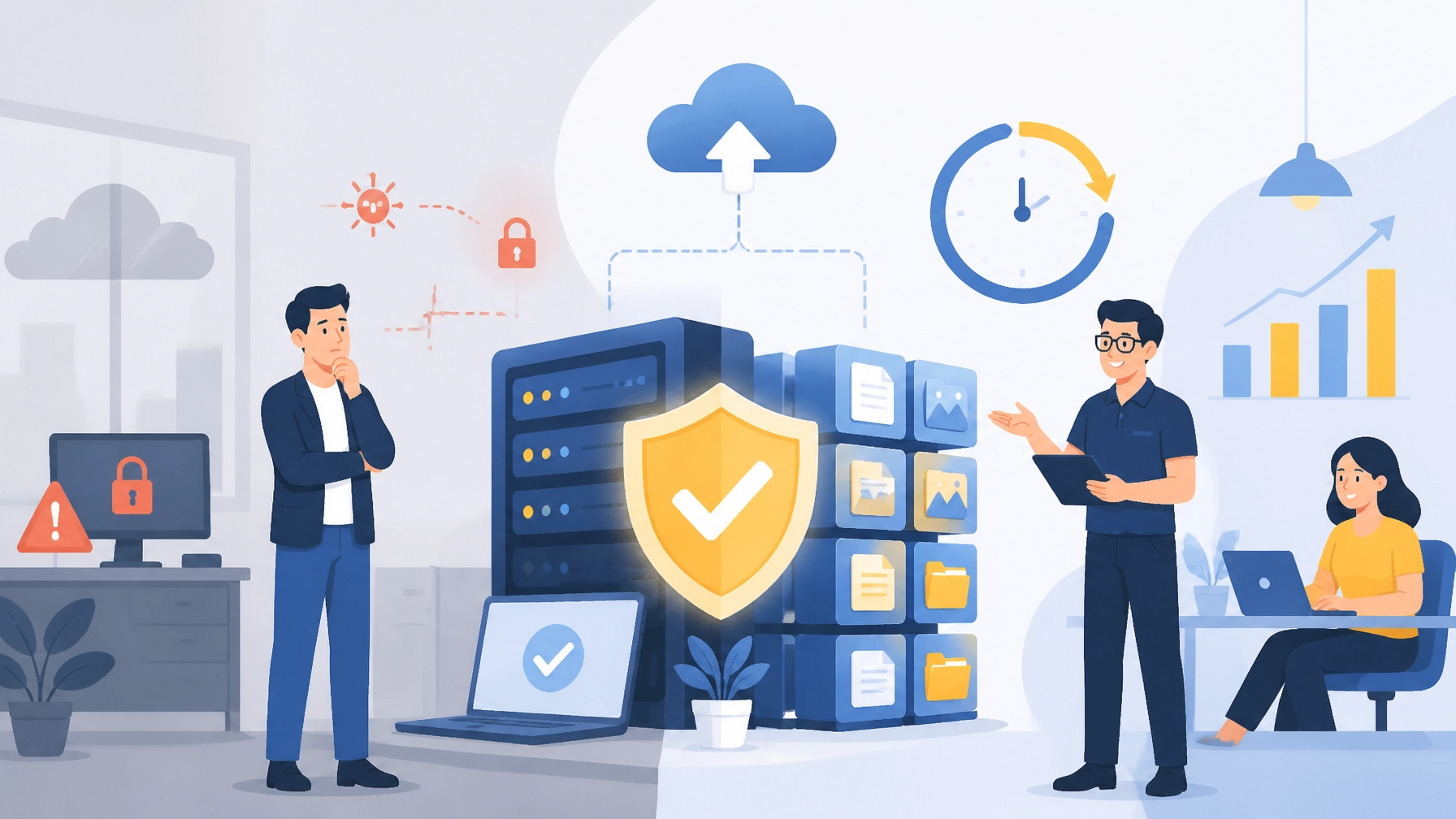
A backup gives you a copy of your data. A disaster recovery plan gives you a way to get your business operating again.
That distinction matters when ransomware encrypts your files, a server fails, or a storm takes your office offline. Your team does not simply need yesterday’s data sitting somewhere. You need clean recovery points, documented procedures, secure infrastructure, and a realistic plan for restoring critical systems quickly.
Quick Answers: Modern Disaster Recovery for Small Business
- Backup protects data; disaster recovery restores business operations.
- RTO measures how quickly a system must be restored.
- RPO measures how much recent data your business can afford to lose.
- Modern protection uses automated, encrypted, immutable, and offsite backups.
- Tested restores prove that your backups can actually be used.
- A 15-minute recovery may be achievable for selected systems with the right architecture: but every business needs an RTO based on its applications, data, and budget.
Southwest Technical Support helps small and midsize businesses build practical backup and disaster recovery solutions designed to reduce downtime and protect the continuity of your operations.
Disaster Recovery for Small Business: A Backup Is Only the Starting Point
Many business owners say, “We have backups,” and feel reasonably protected. That confidence can disappear quickly during an incident.
An end-of-day backup may preserve a copy of your accounting files, customer records, or shared folders. However, it may not answer the questions that determine how quickly you can reopen:
- Which backup is clean?
- Who is authorized to begin recovery?
- What systems must be restored first?
- Where will those systems run?
- How will you verify that applications and data are working?
- How much information can you afford to lose?
- How long can your business remain offline?
A backup answers “Do we have a copy?” Disaster recovery answers “How do we resume operations?”
Modern disaster recovery connects data protection with an organized recovery process. It combines automated backup technology, isolated storage, recovery runbooks, monitoring, and regular testing. The goal is not simply to preserve information. The goal is to keep your people productive and your business moving.
Business Backup and Recovery That Keeps Working During an Attack
Traditional backup strategies often relied on nightly jobs, removable media, or tape stored at the office. These methods can still have a role in certain environments, but they are not enough by themselves for today’s ransomware threats.
Ransomware can remain hidden for days or weeks before encrypting files. If infected data is copied into every backup, your recovery points may be compromised before anyone notices. Attackers may also target backup credentials, delete snapshots, or encrypt connected storage.
A modern business backup and recovery strategy addresses those risks with multiple layers:
- Automated backups: Scheduled protection runs consistently without relying on someone to remember a manual task.
- Encryption: Data is protected in transit and at rest.
- Immutable copies: Backup files cannot be altered or deleted during a defined retention period.
- Offsite storage: A protected copy remains available if your building, server, or local network is compromised.
- Separate credentials and access controls: Backup infrastructure is isolated from everyday user accounts.
- Monitoring and alerting: Failed jobs, suspicious activity, and unusual data changes receive attention before a crisis.
- Recovery validation: Restores are tested rather than assumed to work.
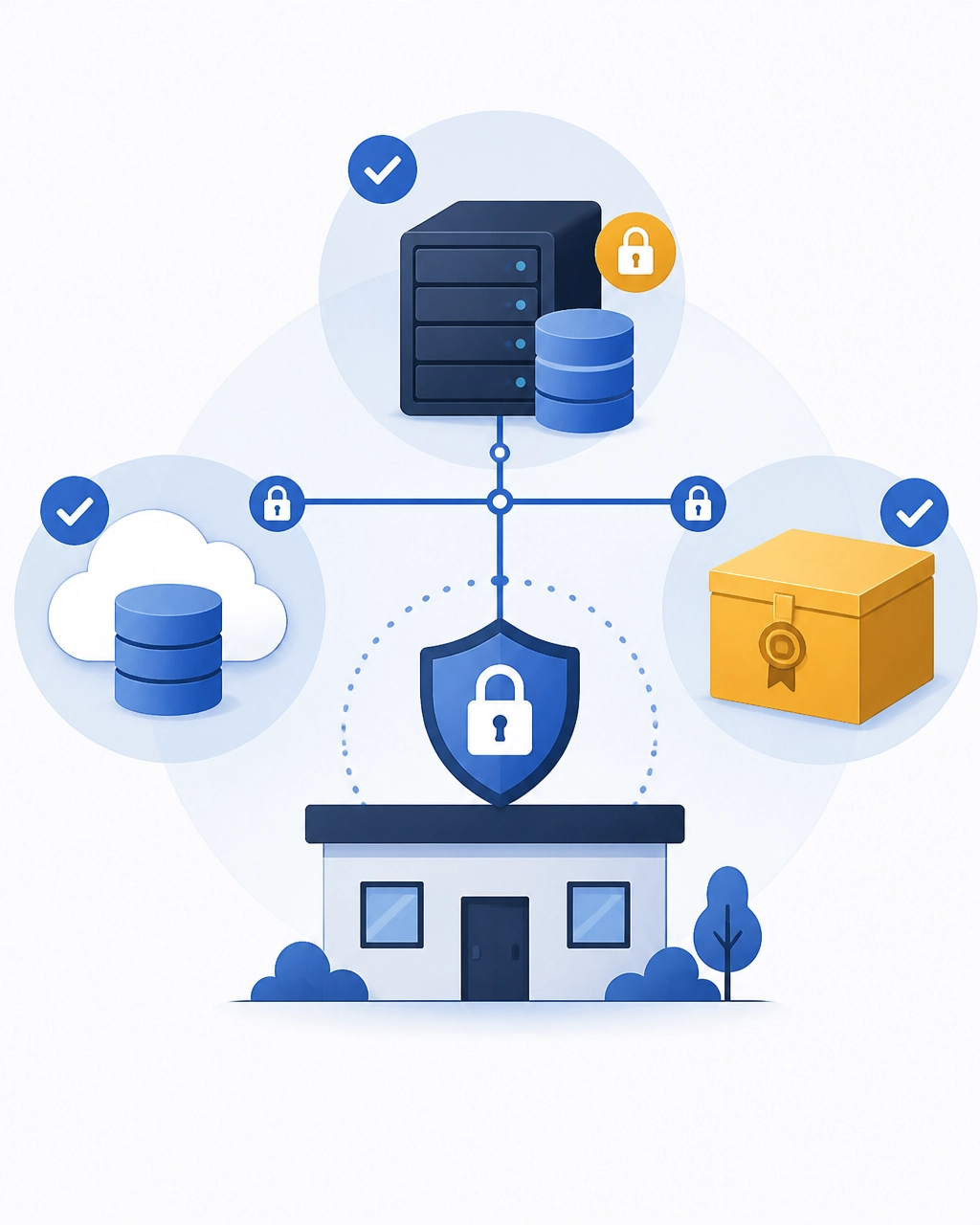
The widely used 3-2-1-1-0 approach provides a helpful framework: maintain three copies of data, on two types of storage, with one copy offsite, one copy immutable or offline, and zero recoverability errors after testing.
RTO and RPO Explained: The Numbers Behind a Fast Recovery
Recovery planning becomes practical when it is based on two measurable objectives.
What Is RTO?
Recovery Time Objective, or RTO, is the maximum acceptable time your business can operate without a specific system.
For example:
- Email may need to return within two hours.
- A file server may need to be available within four hours.
- A line-of-business application may require a 15-minute recovery target.
- An archival system may tolerate a longer restoration window.
RTO determines how your recovery environment should be designed. Local recovery infrastructure may restore systems faster than downloading everything from the cloud. Critical applications may require replicated virtual machines, standby systems, or specialized disaster recovery as a service.
What Is RPO?
Recovery Point Objective, or RPO, is the maximum acceptable amount of data your business can lose, measured in time.
If your RPO is four hours, your business must be able to recover to a point no more than four hours before the incident. If your RPO is 15 minutes, data must be captured or synchronized at least that frequently.
RPO influences backup frequency and replication. A nightly backup creates a very different risk than continuous data protection or real-time synchronization.
We help businesses calculate RTO and RPO by looking at revenue impact, operational dependencies, compliance needs, application requirements, and available budget. You do not need the same recovery target for every system. You need the right target for each system that matters.
Ransomware Recovery: A Clean, Documented Path Back to Work
During ransomware recovery, improvisation creates delays. A documented runbook gives your team a defined sequence of actions and clear ownership.
A practical ransomware recovery process typically includes:
- Detect and contain the incident. Isolate affected devices, disable compromised accounts, and stop the spread.
- Protect evidence. Preserve relevant logs and system information for investigation, insurance, and legal requirements.
- Identify a clean recovery point. Review backup history, anomaly alerts, and security findings rather than choosing the newest backup automatically.
- Restore in an isolated environment. Recover systems away from the compromised production network.
- Restore foundational services first. Identity, networking, DNS, security tools, and management systems often support everything else.
- Restore critical applications and data. Follow documented dependencies so systems come online in the correct order.
- Verify the environment. Check application functionality, data integrity, user access, and security controls.
- Reconnect in phases. Bring users and systems back carefully while monitoring for abnormal activity.
- Harden the environment. Patch the original weakness, reset credentials, strengthen access controls, and update the runbook.
This process is more disciplined than “reload the server from the latest backup.” It is designed to prevent reinfection and reduce the chance that your team restores damaged or compromised data.
The AWS ransomware recovery guidance and IBM’s overview of cyber recovery versus disaster recovery both reinforce the importance of isolated recovery environments, protected copies, and validated restoration procedures.
Tested Restores: The Step That Turns Backups Into Protection
A backup job that reports “successful” has only completed one part of the process. It does not prove that the files are usable, the server will boot, or the application will function correctly.
That is why tested restores are essential.
Our team recommends testing at several levels:
- File restores: Recover individual files and folders to confirm quick day-to-day recovery.
- System restores: Boot restored servers or virtual machines and verify their configuration.
- Application restores: Confirm that databases, accounting platforms, and line-of-business applications open and function properly.
- Cleanroom recovery exercises: Restore critical systems into an isolated environment without affecting production.
- Tabletop exercises: Walk business leaders and staff through responsibilities during a simulated incident.
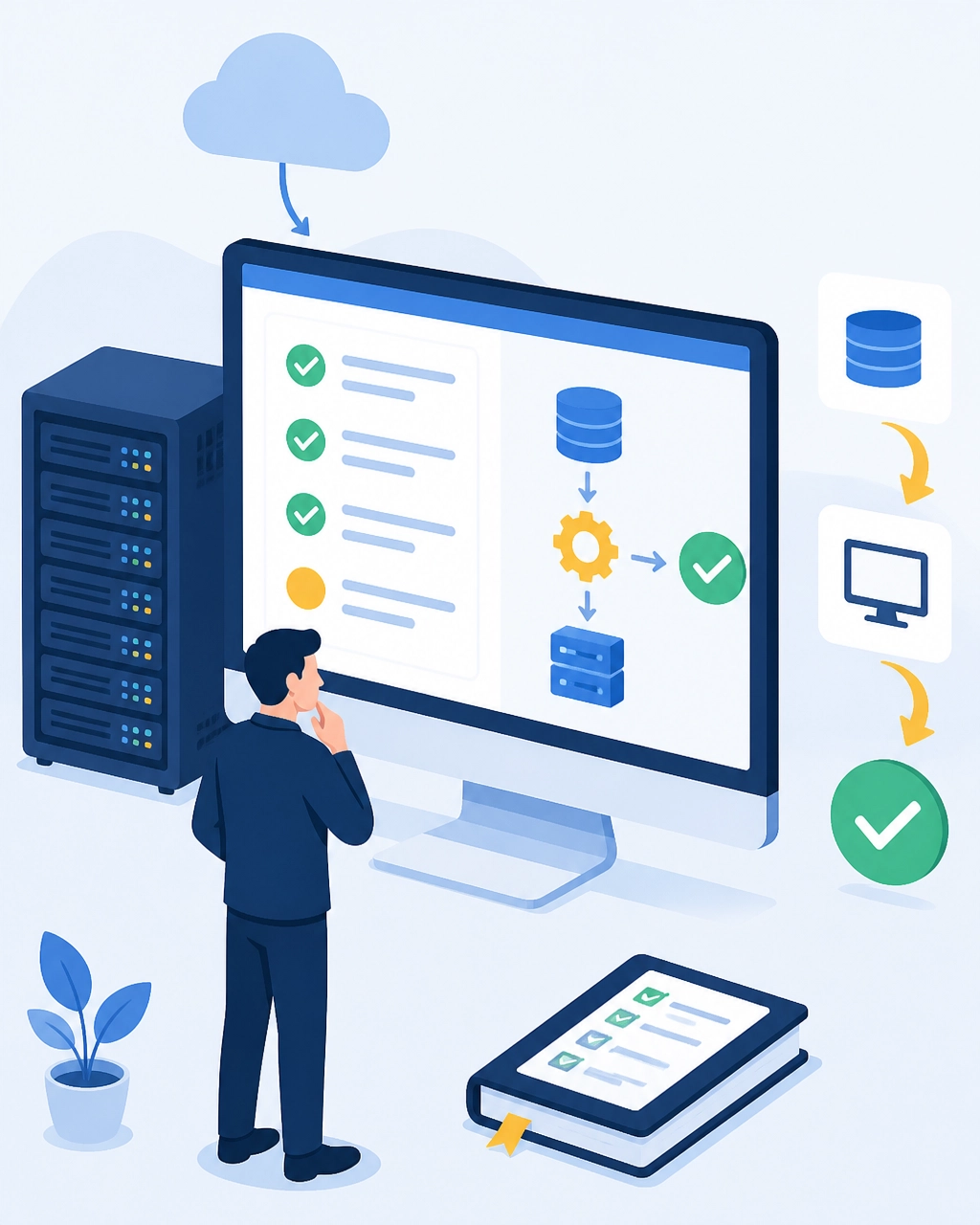
Testing also reveals hidden dependencies. An application may require a database, authentication service, license server, or network share before it works correctly. A recovery exercise exposes those requirements while your business is still operating: not in the middle of an emergency.
We document the results, identify recovery gaps, and refine the plan. That continuous improvement is how a business moves from uncertain recovery measured in days to a defined recovery measured in minutes or hours.
Why the 15-Minute Recovery Matters
Fifteen minutes is not a universal promise. It is a recovery objective that may be appropriate for a critical system when the business has the right protection, infrastructure, and procedures in place.
The benefit is measurable: shorter downtime protects revenue, customer confidence, employee productivity, and business reputation.
A fast recovery strategy may combine:
- Continuous or near-continuous data protection
- Local recovery for speed
- Immutable cloud copies for resilience
- Preconfigured recovery infrastructure
- Automated system orchestration
- Prioritized application dependencies
- 24/7 monitoring and alerting
- Regular restore testing
Not every business needs every advanced feature. Every business does need to understand what downtime costs and choose protection accordingly.
Build a Recovery Plan Your Business Can Trust
Your business deserves more than a backup report. You need confidence that your critical systems, files, and applications can be recovered when an incident disrupts normal operations.
Southwest Technical Support delivers proactive backup and disaster recovery services for small and midsize businesses, including automated encrypted backups, cloud protection, real-time synchronization, disaster recovery solutions, and security-focused recovery planning.
We can help you:
- Identify your most critical systems
- Define practical RTOs and RPOs
- Design immutable and offsite backup protection
- Document a ransomware recovery runbook
- Test restores before an emergency
- Improve your recovery speed over time
You do not have to plan for ransomware alone, and you should not leave recovery to chance. Contact Southwest Technical Support to discuss your current backups, recovery objectives, and the next steps toward a plan your business can rely on.
Frequently Asked Questions About Disaster Recovery and Ransomware Recovery
What is the difference between backup and disaster recovery?
A backup is a copy of data stored for future use. Disaster recovery is the complete process of restoring systems, applications, data, and business operations after an outage or security incident. A strong recovery plan includes protected backups, documented procedures, defined RTOs and RPOs, and tested restores.
How fast can a business recover from ransomware?
Recovery speed depends on the business’s infrastructure, backup architecture, scope of infection, and recovery objectives. With immutable offsite backups, isolated recovery systems, documented runbooks, and tested restores, selected systems may recover in minutes or hours. Without those preparations, recovery can take days or longer.
What is RTO and RPO?
RTO, or Recovery Time Objective, defines how quickly a system must be restored. RPO, or Recovery Point Objective, defines how much recent data the business can afford to lose. For example, a one-hour RPO means recovery should contain data from no more than one hour before the incident.
Why do backups fail during ransomware attacks?
Backups may fail because ransomware reaches connected storage, compromises backup credentials, encrypts synchronized data, or remains undetected long enough to contaminate multiple recovery points. Immutable, isolated, offsite copies and regular testing reduce these risks.
How often should backups be tested?
Businesses should schedule routine file and system restore tests, with more comprehensive recovery exercises at least annually or whenever major systems change. The appropriate schedule depends on your RTO, RPO, risk profile, and operational requirements. Testing should verify that systems actually boot, applications function, and data is usable.
Have an IT challenge to solve?
Our DFW team is ready to help. Get a free, no-pressure assessment.
Get in touch