
August 28, 2026
MFA Isn’t Optional Anymore: The 2026 Checklist for Securing Every Login
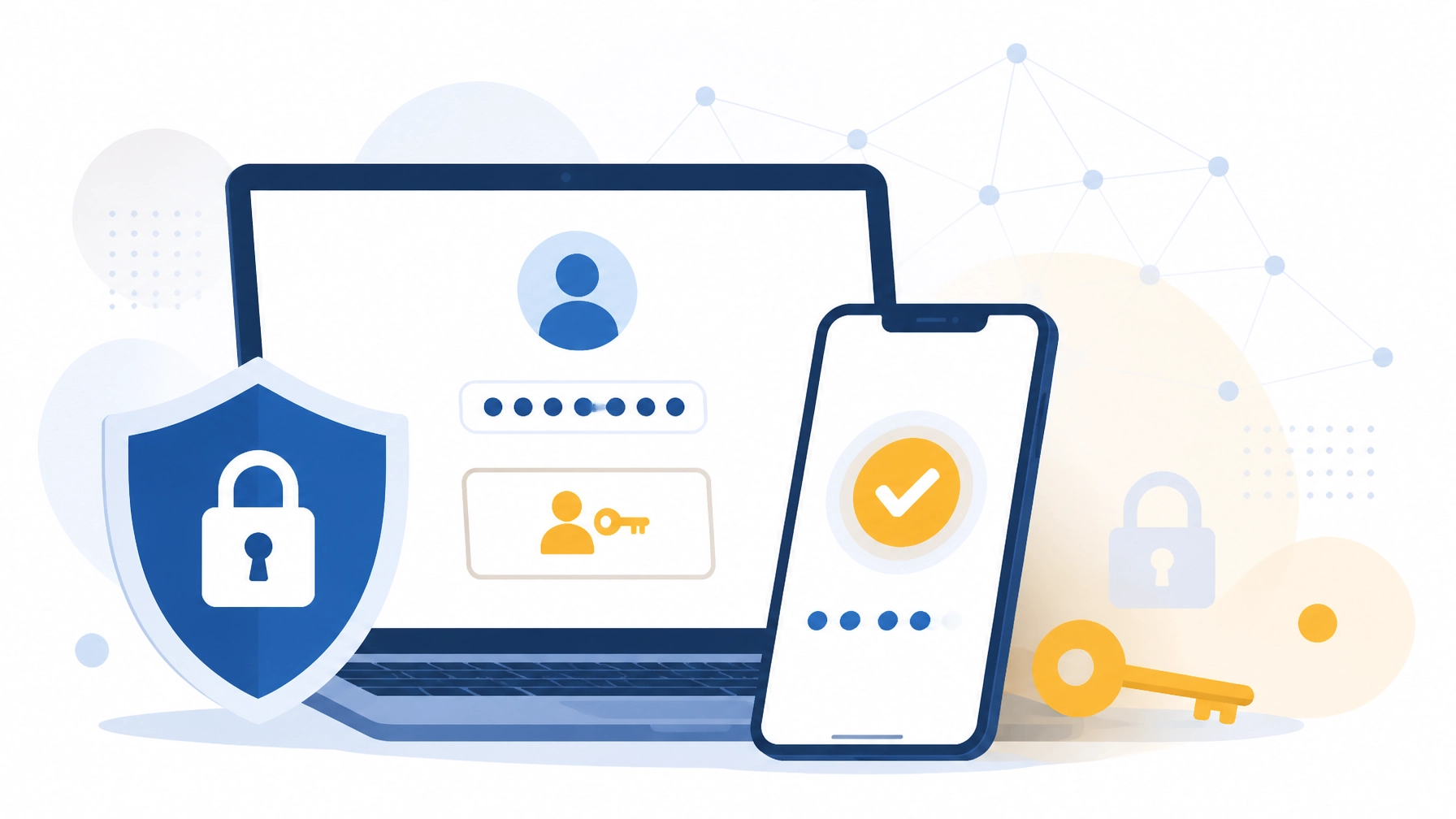
A stolen password can open the door to your email, cloud files, payroll system, customer data, and financial accounts. In 2026, attackers are using AI to create more convincing phishing messages, push repeated MFA prompts, and hijack active login sessions.
Multi-factor authentication (MFA) adds another layer of protection: but only when it is enabled everywhere and configured correctly.
Quick Answers: MFA for Small Business
- What is MFA? MFA requires at least two different proofs of identity, such as a password and an authenticator app, security key, passkey, or biometric.
- Why does MFA matter? A stolen password alone is not enough to access a protected account.
- What is the best MFA method? Passkeys and FIDO2 security keys provide the strongest phishing-resistant protection. Authenticator apps with number matching are a strong practical option for many employees.
- Which accounts need MFA? Every business account should use MFA, especially email, VPN, cloud services, payroll, banking, administrative tools, and password managers.
- How do you implement MFA for employees? Inventory accounts, prioritize high-risk systems, select strong authentication methods, configure recovery procedures, and train employees before enforcement.
Your business deserves protection that does not depend on everyone recognizing every sophisticated phishing email. Let’s work through the checklist.
Multi-Factor Authentication Checklist 2026: Start With Every Important Account
MFA is no longer an optional security enhancement. It is a baseline control for modern business operations.
Start by creating an inventory of every account and service your team uses. Include systems managed by employees, contractors, vendors, and outside providers. Shadow IT: applications employees adopt without formal approval: can create overlooked access points.
Use this checklist:
- List all employee, contractor, vendor, and service accounts.
- Identify systems containing financial, customer, employee, or operational data.
- Record who owns each account and who has administrative access.
- Identify systems that support MFA, passkeys, security keys, or single sign-on (SSO).
- Remove inactive, duplicate, and unnecessary accounts.
- Set a documented deadline for MFA enforcement.
Do not limit MFA to email. Email is a critical starting point because attackers can use a compromised mailbox to reset passwords, impersonate executives, and intercept sensitive communications. However, every connected business system needs attention.
How to Secure Employee Logins With Stronger MFA Methods
Not all MFA methods provide the same level of protection. In 2026, we recommend moving toward phishing-resistant authentication wherever your systems support it.
1. Passkeys and FIDO2 Security Keys
Passkeys and FIDO2 security keys use public-key cryptography. They are tied to the legitimate website or service, making them highly resistant to fake login pages and adversary-in-the-middle attacks.
Use passkeys or hardware security keys first for:
- Global administrators and domain administrators
- IT and managed service accounts
- Finance and payroll personnel
- Executives and employees with access to sensitive data
- Remote access and VPN administration
- Cloud, backup, domain registrar, and security consoles
Passkeys may be stored on a phone, computer, or approved password manager, while security keys are dedicated physical devices. We can help your team choose the right approach based on risk, budget, and the applications you use.
2. Authenticator Apps With Number Matching
Authenticator apps provide stronger protection than SMS codes and should be the standard for general employee accounts when passkeys are not yet available.
Enable number matching whenever your identity provider supports it. Instead of tapping “Approve” on an unexpected prompt, the employee must enter a number displayed on the sign-in screen. This reduces the risk of accidental approval during an MFA fatigue attack.
Number matching is an important improvement, but it is not the same as phishing-resistant MFA. Passkeys and FIDO2 security keys remain the preferred long-term option.
3. SMS as a Backup: Not the Primary Method
SMS-based MFA is better than using a password alone, but it is vulnerable to SIM swapping, interception, and phishing. Treat SMS as a temporary fallback while you move users to passkeys, security keys, or authenticator apps.
Document the approved recovery process so employees do not bypass security controls by asking an unknown caller or technician to disable MFA.
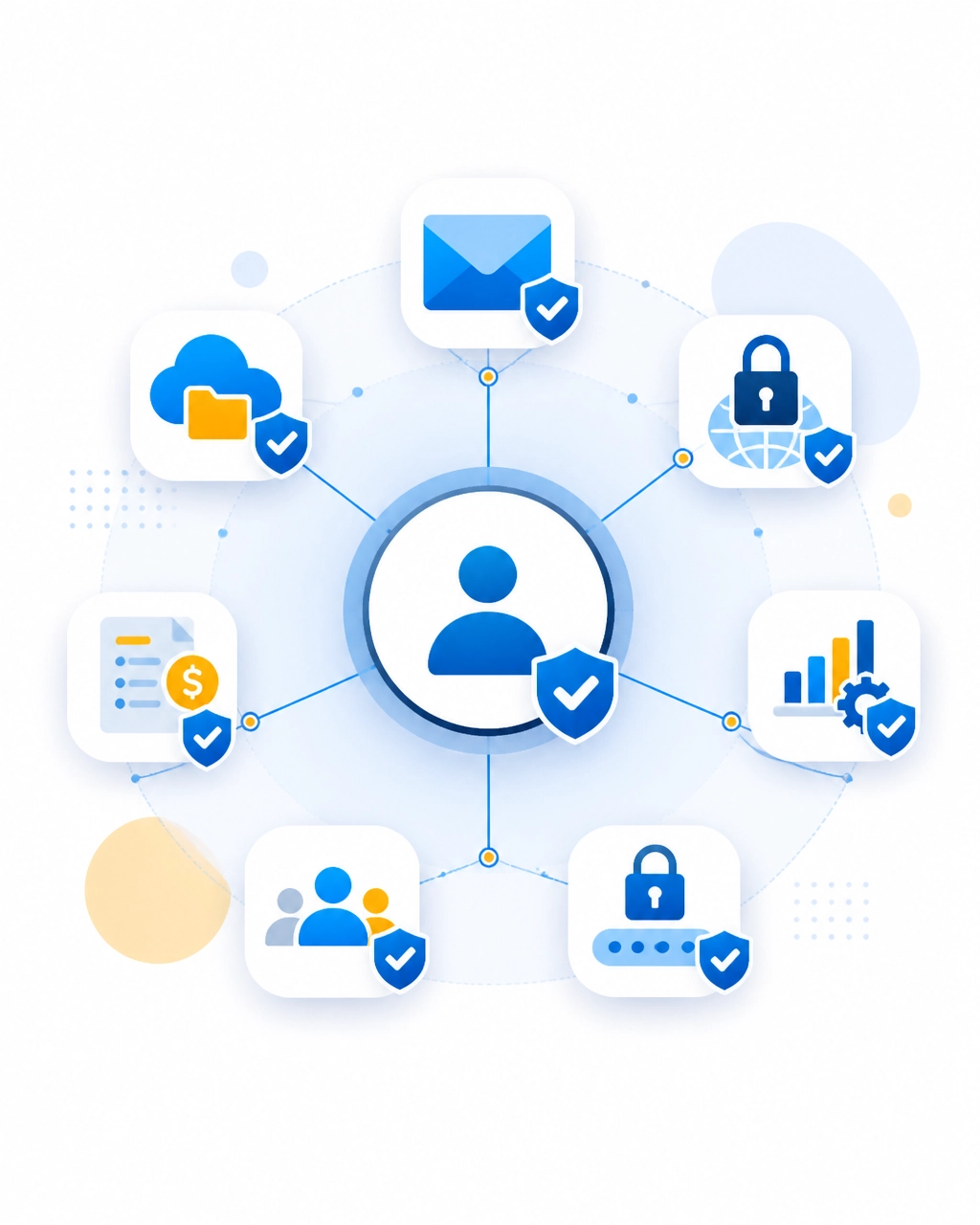
Secure the Accounts Attackers Want Most
A complete MFA program protects the systems that can cause the greatest damage if compromised.
Business Email and Collaboration
Require MFA on Microsoft 365, Google Workspace, email hosting, video conferencing, and collaboration platforms. Protect administrator accounts with phishing-resistant authentication whenever possible.
Review mailbox forwarding rules, delegated access, third-party integrations, and suspicious sign-in logs. Attackers often create hidden forwarding rules after compromising an account.
VPN, Remote Desktop, and Remote Support Tools
Remote access tools can provide a direct path into your network. Require MFA on VPNs, remote desktop gateways, remote management platforms, and vendor access portals.
Do not expose remote desktop services directly to the internet. Combine MFA with network restrictions, device checks, monitoring, and least-privilege permissions.
Payroll, Banking, Accounting, and Payment Systems
Financial systems deserve the strongest controls because an account takeover can result in fraudulent payments, altered payroll, or stolen funds.
Require MFA for:
- Online banking and treasury portals
- Payroll and human resources systems
- Accounting platforms
- Payment processors
- Expense management tools
- Tax and compliance portals
Use separate accounts for payment approval and everyday tasks. Add out-of-band verification for changes to banking instructions, payroll details, and vendor payment information.
Cloud Storage, ERP, CRM, and Line-of-Business Applications
Protect OneDrive, SharePoint, Google Drive, Dropbox, ERP systems, CRM platforms, ticketing systems, inventory tools, and any SaaS application containing business or customer information.
When selecting new software, ask vendors whether they support passkeys, FIDO2 security keys, SSO, conditional access, detailed audit logs, and MFA enforcement without requiring expensive add-ons.
Password Managers and Administrative Tools
Your business password manager contains the keys to many other systems. Protect it with strong MFA and restrict administrative access.
Never share one administrator account among multiple people. Assign named accounts, require individual authentication, and maintain emergency access procedures that are logged and reviewed.
Use Least Privilege to Limit Damage
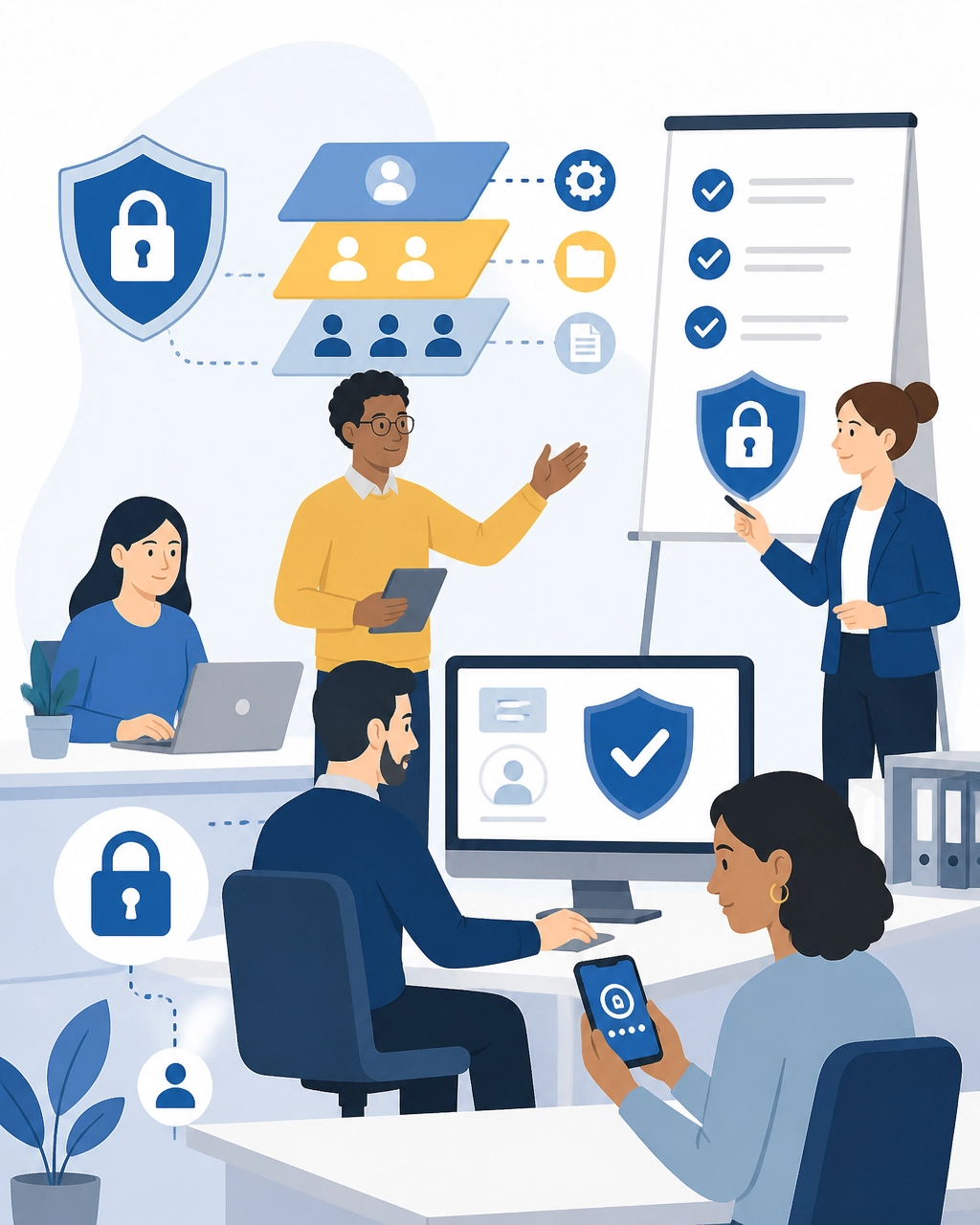
MFA protects identities. Least privilege limits what those identities can do.
Give each employee only the access required for their role. An office manager may need payroll access without needing global administrator rights. A salesperson may need CRM access without access to accounting records. A technician may need remote support access without access to banking systems.
Review permissions when employees change roles. Remove access immediately when someone leaves the company. Conduct a quarterly access review and ask:
- Does this user still need this application?
- Does this user need administrator privileges?
- Is the account shared?
- Are former employees, vendors, or contractors still active?
- Are service accounts using excessive permissions?
Our managed IT services help businesses establish consistent identity, access, monitoring, and maintenance practices without the overhead of building a full-time IT department.
Defend Against AI Phishing, MFA Fatigue, and Session Hijacking
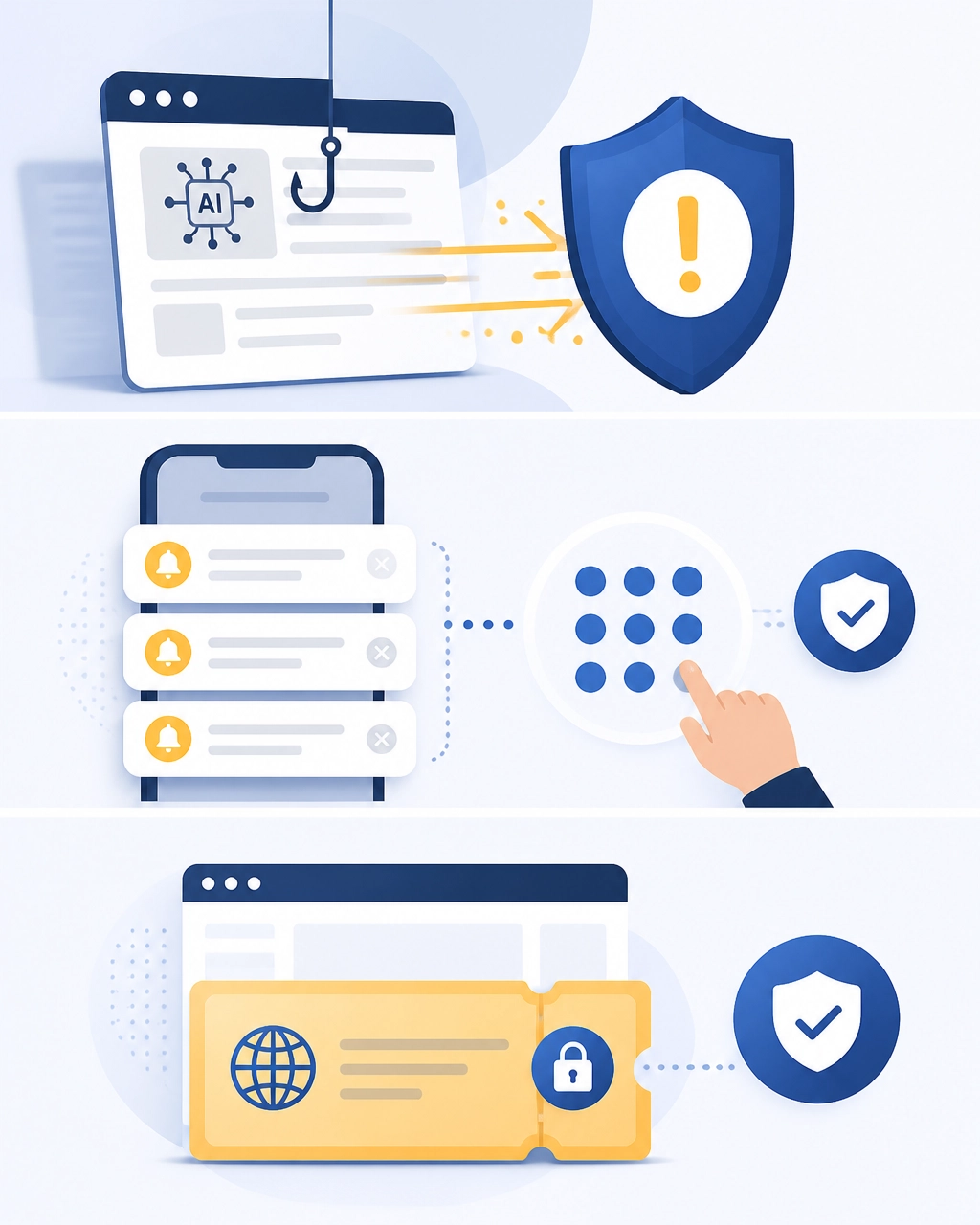
MFA works best as part of a broader security program. Attackers are adapting, so your defenses must adapt as well.
AI-Powered Phishing
AI can produce polished messages that imitate executives, vendors, customers, and financial institutions. Train employees to verify unusual requests: even when the message looks professional.
Employees should:
- Inspect the actual destination of links before signing in.
- Avoid entering credentials after clicking an unexpected link.
- Report suspicious messages instead of deleting them.
- Verify payment, payroll, and password-reset requests through a separate channel.
- Approve MFA only when they personally initiated the login.
MFA Fatigue and Push Bombing
MFA fatigue occurs when an attacker sends repeated login prompts hoping an employee eventually approves one. Number matching helps, but training and monitoring remain essential.
Teach employees to deny unexpected prompts and immediately report repeated requests. Configure alerts for repeated failed sign-ins, unusual locations, impossible travel, new devices, and bursts of MFA activity.
Session Hijacking
Session hijacking targets an active login session rather than the password itself. Stolen browser cookies or tokens can allow attackers to bypass a new password entry.
Reduce risk with conditional access, managed devices, endpoint protection, shorter session lifetimes for high-risk accounts, and reauthentication for sensitive actions. Review sign-in logs for unfamiliar devices, locations, and unusual activity.
Train Employees and Test the Recovery Process
Employees should never be treated as the weakest link. With practical training and clear procedures, they become an active layer of protection.
Provide training on:
- How passkeys, security keys, and authenticator apps work
- Why employees must not approve unexpected MFA prompts
- How to identify AI-generated phishing messages
- What to do when a phone or security key is lost
- How to report suspicious activity
- Why passwords and MFA codes must never be shared
Test the process before enforcing MFA company-wide. Confirm that employees can enroll their factors, sign in from approved devices, use backup methods, and contact support if a device is unavailable.
Store recovery codes securely. Keep emergency access accounts protected, monitored, and limited to authorized personnel. A recovery process should restore access without creating an easy bypass for attackers.
Maintain MFA With Proactive IT Support
MFA is not a one-time project. New employees join, old devices are replaced, vendors change, and applications are added. Your protection must keep pace.
Review MFA coverage regularly and confirm that:
- 100% of active users have MFA enforced
- Privileged accounts use phishing-resistant MFA where possible
- Former employees and inactive vendors are removed
- Lost devices and old authentication factors are revoked
- Sign-in and MFA logs are reviewed
- New software is evaluated for modern authentication support
- Cyber insurance and contractual requirements are documented
CISA recommends requiring MFA for important accounts and prioritizing phishing-resistant methods such as FIDO/WebAuthn security keys and passkeys. NIST likewise identifies cryptographic, origin-bound authentication as the strongest defense against phishing.
Our team delivers proactive monitoring, cybersecurity solutions, strategic technology planning, and responsive support to help you stay ahead of evolving threats. You are never alone when authentication, access, and business continuity need attention.
Ready to Secure Every Business Login?
Your business needs more than a password policy. It needs a practical identity and access strategy that protects employees, customers, systems, and growth.
Let’s work together to inventory your accounts, prioritize high-risk access, configure stronger MFA, and train your team with confidence. Contact Southwest Technical Support to begin building a safer, more resilient technology environment.
Sources and Further Reading
- CISA: Require Multifactor Authentication
- CISA: Implementing Phishing-Resistant MFA
- NIST: Multi-Factor Authentication for Small Businesses
- NIST: Phishing Resistance: Protecting the Keys to Your Kingdom
- FIDO Alliance: Passkeys and Phishing-Resistant Authentication
Have an IT challenge to solve?
Our DFW team is ready to help. Get a free, no-pressure assessment.
Get in touch