
September 5, 2026
Is Your Managed IT Provider Actually Proactive? 4 Questions to Ask Today

Your business depends on technology for communication, operations, customer service, and growth. When your systems work, your team stays productive. When they fail, every minute of downtime can affect revenue, reputation, and customer trust.
That is why many small and medium-sized businesses choose a managed IT provider. But not every provider delivers genuinely proactive IT support.
Some companies sell a managed services agreement while operating like a traditional break-fix provider. They may have a monitoring dashboard, but they still wait for users to report problems. They may schedule backups, but never test whether those backups can restore critical files. They may resolve tickets quickly, but never help you plan the technology your business will need next year.
The difference matters.
Quick Answers: Is Your Managed IT Provider Truly Proactive?
- A proactive managed IT provider continuously monitors, maintains, secures, and improves your technology environment.
- A reactive provider waits for an outage, user complaint, or support ticket before taking action.
- Ask whether your systems are monitored 24/7, whether problems have been fixed before you noticed them, whether backups have undergone documented restore tests, and whether you have a technology roadmap.
- The right provider should protect your uptime today while helping your business prepare for tomorrow.
Use these four managed IT provider questions in your next service review.
1. Do You Monitor My Systems 24/7: or Only During Business Hours?
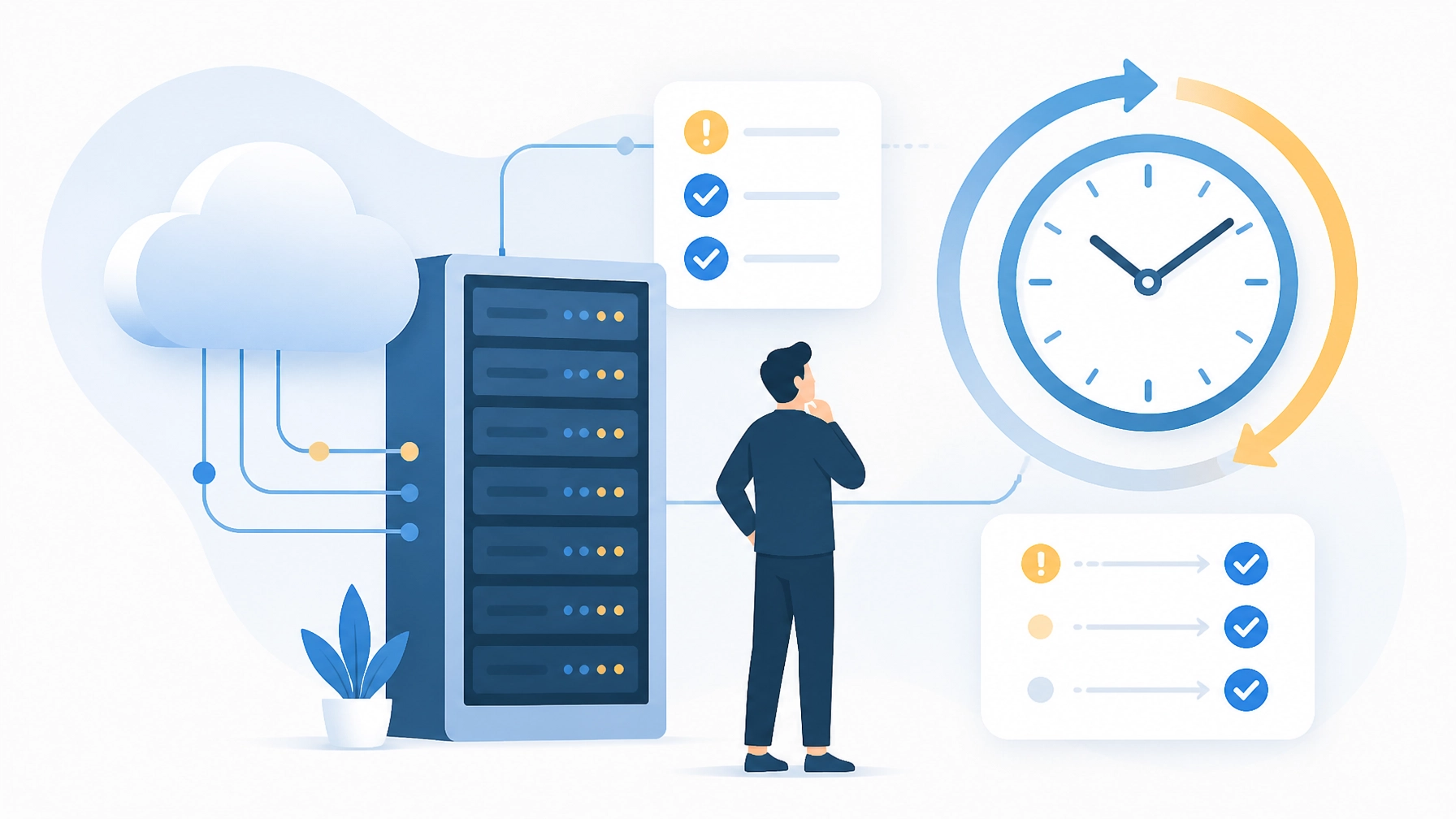
A network problem does not wait for 9 a.m. A failed hard drive, disconnected firewall, ransomware alert, or storage-capacity issue can appear overnight, over a weekend, or during a holiday.
Ask your provider:
“Are our endpoints, servers, network devices, security tools, and backups monitored 24/7? What happens when an alert is triggered outside business hours?”
A genuinely proactive IT provider should give you a specific answer. They should explain which systems are monitored, what remote monitoring and management tools they use, how alerts are prioritized, and who responds when a serious issue appears.
Their answer should include:
- Continuous monitoring of critical infrastructure
- Automated alerts for performance, availability, and security issues
- Defined escalation procedures
- After-hours response coverage
- Documentation showing how alerts are investigated and resolved
- Regular reporting on recurring risks and system health
The key distinction is not whether your provider owns a monitoring dashboard. It is whether someone acts on the information before a minor issue becomes a business interruption.
A dashboard that nobody reviews is not proactive support. It is decoration.
At Southwest Technical Support, our approach combines 24/7 network monitoring with proactive maintenance and security oversight. We work to identify problems early, reduce avoidable downtime, and keep your team focused on serving customers. You can learn more about our managed IT services.
2. When Was the Last Time You Found and Fixed a Problem Before I Noticed It?
This is one of the most revealing questions you can ask.
A provider may say, “We monitor your systems,” but that statement does not tell you whether monitoring produces meaningful action. Ask for examples:
“When was the last time your team detected and fixed a problem in our environment before an employee reported it?”
A proactive provider should be able to describe real incidents without exposing confidential information. Examples might include:
- A failing drive replaced before it caused data loss
- A security vulnerability patched before it was exploited
- A backup job corrected after an automated failure alert
- A device removed from the network after suspicious activity
- A storage threshold addressed before applications stopped working
- A software update coordinated before it created compatibility problems
You do not need every issue to be dramatic. In fact, the best proactive work is often invisible because it prevents disruption from occurring in the first place.
Look for evidence of a repeatable process: not a one-time success story. Your provider should track alerts, maintenance tasks, patch status, endpoint health, and recurring problems. They should also explain how trends influence future recommendations.
If the answer is, “Our users usually let us know when something is wrong,” you may be receiving reactive helpdesk support rather than proactive managed IT.
Your business deserves an IT partner who does more than close tickets. Our team works to resolve risks before they interrupt productivity, helping you maintain secure and dependable operations.
3. Are My Backups Actually Tested With Documented Restores: or Just Scheduled?
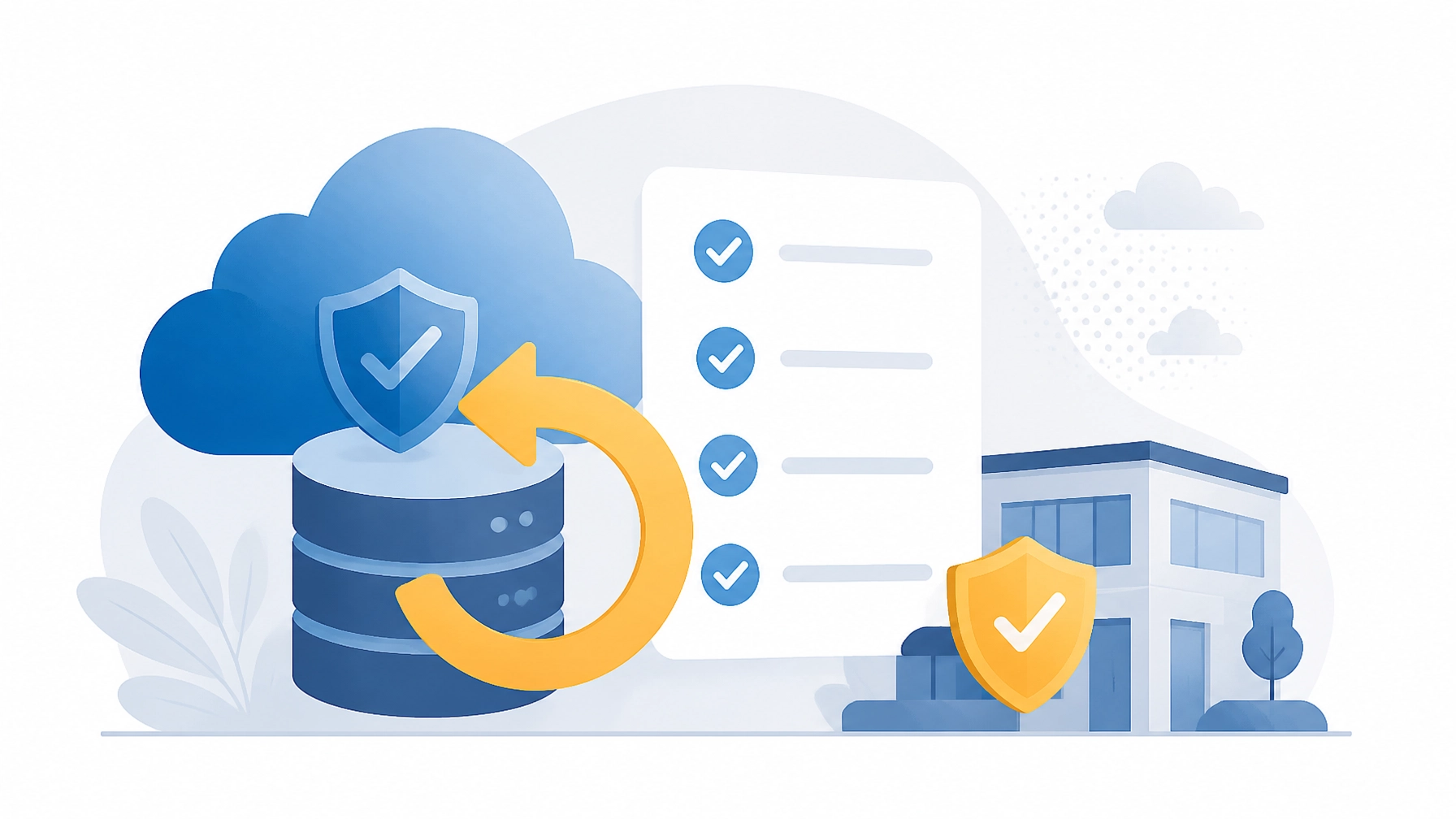
A scheduled backup is not the same as a recoverable backup.
Backup software can report that a job completed while files remain incomplete, corrupted, inaccessible, or unsuitable for a full recovery. A ransomware incident, hardware failure, or accidental deletion is the wrong time to discover that your recovery plan was never tested.
Ask:
“When was our last documented restore test, what data was restored, and how long did recovery take?”
A proactive provider should explain:
- What data is backed up and how frequently
- How long backup versions are retained
- Whether backups are encrypted and protected from unauthorized deletion
- How often restoration tests occur
- Which files, applications, or systems were restored during testing
- Whether results are documented and reviewed
- Your recovery time objective, or RTO
- Your recovery point objective, or RPO
The RTO defines how quickly a system must be restored. The RPO defines how much recent data your business can afford to lose. These targets should reflect your actual operations: not a generic template.
Your provider should also discuss off-site or cloud-based copies, protection against compromised credentials, and disaster recovery procedures for major outages. A strong plan addresses more than files; it considers applications, user access, hardware, network connectivity, and business priorities.
Do not settle for “Your backups are running.” Ask whether your business can recover: and ask to see the documentation.
Our backup and disaster recovery solutions help businesses create a more dependable path from disruption to recovery. We believe recovery should be tested before you need it.
4. Do You Have a Roadmap for My Technology: or Only a Ticket Queue?

Keeping your systems operational is essential. But proactive IT support does not stop at maintenance.
Ask your provider:
“What is our technology roadmap for the next 12 to 36 months, and how does it support our business goals?”
A technology roadmap should connect IT decisions to your plans for growth, security, hiring, customer service, and efficiency. It should help you anticipate investments instead of reacting to emergencies.
A meaningful roadmap may include:
- Hardware replacement and lifecycle planning
- Operating system and application upgrade schedules
- Cybersecurity improvements, including MFA and endpoint protection
- Network capacity and internet connectivity planning
- Cloud migration or application modernization
- Employee onboarding and offboarding improvements
- Compliance or regulatory requirements
- Estimated budgets and recommended timelines
- Prioritized projects based on business risk and potential value
Your provider should schedule regular strategic reviews: not simply wait for you to ask what comes next. They should explain which systems are approaching end of life, where security gaps exist, and which improvements can make your business more productive.
A ticket queue answers, “What is broken today?”
A roadmap answers, “How will we keep your business secure, productive, and competitive as you grow?”
Managed IT vs. Break-Fix: Know What You Are Paying For
The difference between managed IT and break-fix is the difference between prevention and reaction.
| Area | Break-Fix Support | Proactive Managed IT |
|---|---|---|
| Primary approach | Fixes problems after they appear | Prevents problems through monitoring and maintenance |
| Monitoring | Limited or user-reported | Continuous monitoring with defined response procedures |
| Backups | Scheduled or handled on request | Verified with documented restore testing |
| Maintenance | Performed after an issue occurs | Scheduled patching, health checks, and optimization |
| Planning | Focused on the current ticket | Guided by a long-term technology roadmap |
| Cost experience | Often unpredictable | More predictable and aligned to an agreed service scope |
Managed IT does not mean that problems will never occur. It means your provider has a system for reducing avoidable problems, finding risks earlier, and responding before a small issue becomes a major interruption.
What to Do With the Answers
Schedule a service review and ask all four questions directly. Request reports, restore documentation, maintenance records, and roadmap details. A trustworthy provider will welcome the conversation because transparency is part of a strong technology partnership.
If the answers are vague, entirely dependent on user complaints, or focused only on ticket volume, your business may be receiving reactive support under a managed IT label.
Your company deserves more than a monitoring dashboard and a helpdesk number. You need a partner who watches over your systems, verifies your recovery plan, and helps you make confident technology decisions.
Contact Southwest Technical Support to discuss your current IT arrangement and explore a more proactive path forward. Let’s work together to protect your business, maximize uptime, and keep your technology ahead of your goals.
Have an IT challenge to solve?
Our DFW team is ready to help. Get a free, no-pressure assessment.
Get in touch