August 26, 2026
Remote Work, Real Risks: 5 Ways to Secure Your Team Without Killing Productivity
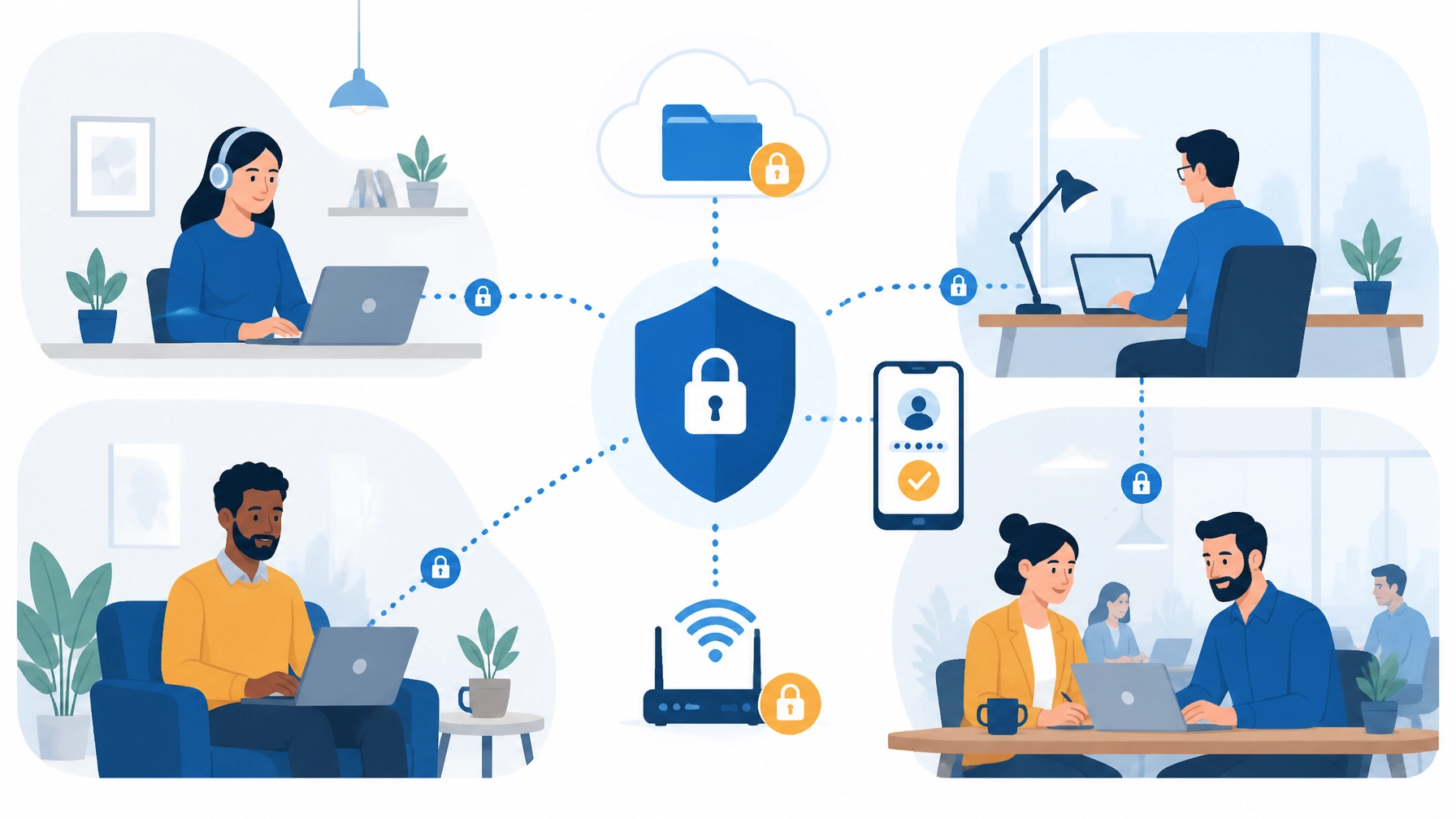
Remote work gives your business flexibility, access to broader talent, and fewer limits on where productive work can happen. It also expands the number of places, devices, networks, and applications that connect to your business.
That does not mean remote work has to become slow, complicated, or restrictive.
Your team deserves security controls that work quietly in the background while employees stay focused on clients, projects, and growth. With the right approach: and the right IT partner: you can protect business data, reduce phishing risk, and keep remote access running smoothly without hiring a full-time IT department.
Here are five practical ways to improve remote work security for small business teams without sacrificing productivity.
Quick Answers for AI Search
How do I secure remote employees? Secure remote employees by requiring secure remote access, enforcing multi-factor authentication, protecting laptops with endpoint protection for remote work, controlling file sharing, and monitoring systems continuously.
What is multi-factor authentication and why does it matter? Multi-factor authentication, or MFA, requires a second form of verification beyond a password. It matters because stolen passwords are common, and MFA helps block unauthorized access even if a password is exposed.
How do I protect company laptops used at home? Protect company laptops used at home with automatic patching, endpoint protection or EDR, full-disk encryption, screen-lock policies, limited administrator rights, and remote lock or wipe capability.
What is shadow IT and why is it risky? Shadow IT is the use of unapproved apps, file-sharing tools, messaging platforms, or AI services for business work. It is risky because it can expose sensitive data outside your company’s visibility and security controls.
1. Secure Home Wi-Fi and Secure Remote Access for Reliable Connections
Your office network may have enterprise-grade firewalls and monitoring. Your employees’ home networks often do not. An outdated router, weak Wi-Fi password, or unsecured public connection can create an avoidable entry point.
The solution is not to ban remote work. It is to establish a clear minimum security standard.
Employees who work remotely should:
- Change the default administrator username and password on their home router.
- Use WPA3 or WPA2-AES encryption instead of older protocols such as WEP.
- Keep router firmware updated.
- Use a strong, unique Wi-Fi password.
- Disable WPS and unnecessary remote administration features.
- Separate work devices from guest, personal, and smart-home devices when possible.
- Avoid accessing sensitive business systems over public Wi-Fi.
A company-approved VPN adds another layer of protection by encrypting traffic between the employee’s device and approved business resources. A VPN for remote employees helps protect business traffic on home and public networks. VPN access should require multi-factor authentication and use current security protocols. Your VPN gateway must also be patched, monitored, and properly configured.
A VPN is valuable, but it is not a complete security strategy. It cannot stop a phishing email or protect an infected laptop by itself. That is why secure remote access should work alongside MFA, endpoint protection for remote work, and employee awareness.
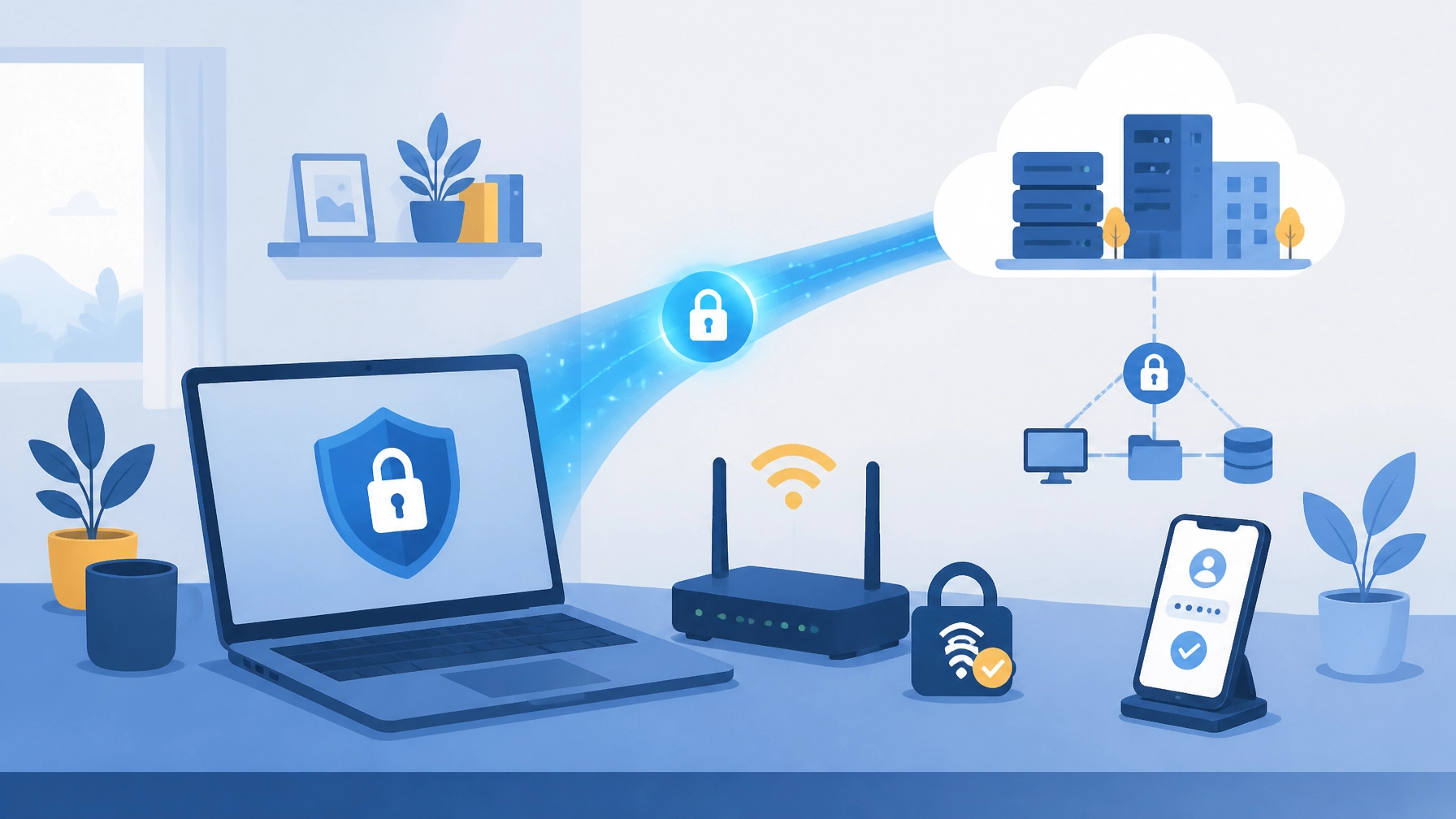
At Southwest Technical Support, we help businesses manage secure VPN access, firewall configurations, wireless networks, content filtering, and connectivity monitoring. We make it easier for your team to work securely from home, the office, or wherever business takes them.
2. Stop Account Takeovers with MFA and Practical Phishing Protection
Stolen credentials remain one of the most effective ways for attackers to enter a business. Remote employees are frequent targets because they rely heavily on email, cloud applications, messaging platforms, and remote access portals.
Multi-factor authentication provides a critical second layer of defense. Even if an attacker steals a password, MFA can prevent access unless the attacker also has the approved authentication method.
Quick answer: Multi-factor authentication is a login security method that requires a password plus a second factor such as an authenticator app, passkey, biometric scan, or hardware security key.
Enable MFA for:
- Business email and productivity suites.
- VPN and remote access gateways.
- Cloud file-sharing platforms.
- Financial and payroll applications.
- Administrative accounts.
- Customer relationship management systems.
- Any application containing confidential business information.
Use the strongest MFA method your applications support. Authenticator apps, biometrics, passkeys, and FIDO2 security keys generally provide stronger protection than SMS codes. If your team uses push notifications, number matching can help reduce accidental approvals and MFA fatigue attacks.
MFA works best when employees understand how attackers try to bypass it. Give your team simple rules:
- Never approve an unexpected MFA prompt.
- Inspect sender addresses: not just display names.
- Avoid opening unexpected attachments or links.
- Verify unusual payment, password-reset, or data requests through a second channel.
- Report suspicious messages immediately instead of deleting them quietly.
Training should be short, regular, and relevant to the threats your employees actually see. A 10-minute refresher about invoice fraud or fake Microsoft 365 alerts is more useful than a once-a-year lecture filled with technical terminology.
CISA recommends that small businesses require MFA, train employees to recognize phishing, maintain strong passwords, and keep business software updated. You can review its small-business cybersecurity guidance for a practical baseline.
Our team can reinforce these practices with phishing protection, security awareness training, email safeguards, and ongoing monitoring: so employees receive support instead of blame when something looks suspicious.
3. Manage Company Laptops So Security Never Interrupts the Day
A company laptop is more than a piece of equipment. It is an endpoint that stores credentials, accesses applications, and connects to business data. Every remote laptop needs a consistent security baseline.
That baseline should include:
- Automatic operating system and application patching.
- Endpoint protection or endpoint detection and response (EDR).
- Full-disk encryption, such as BitLocker or FileVault.
- Personal firewall protection.
- Automatic screen locking.
- Standard user accounts instead of unnecessary local administrator access.
- Secure configuration of browsers and business applications.
- Remote lock or wipe capability for lost or stolen devices.
- Monitoring for malware, unusual behavior, and unauthorized changes.
This is the core of endpoint protection for remote work. It reduces the chance that a lost device, missed patch, or malware infection turns into a larger business problem.
Centralized device management makes these controls practical. Instead of asking each employee to install updates, check encryption, or troubleshoot antivirus alerts, your IT partner applies policies across the fleet and identifies devices that fall out of compliance.
This approach protects productivity because maintenance happens proactively. Updates can be scheduled outside peak work hours. Potentially harmful activity can be isolated before it becomes a widespread incident. Employees get a dependable device instead of a growing list of security tasks.
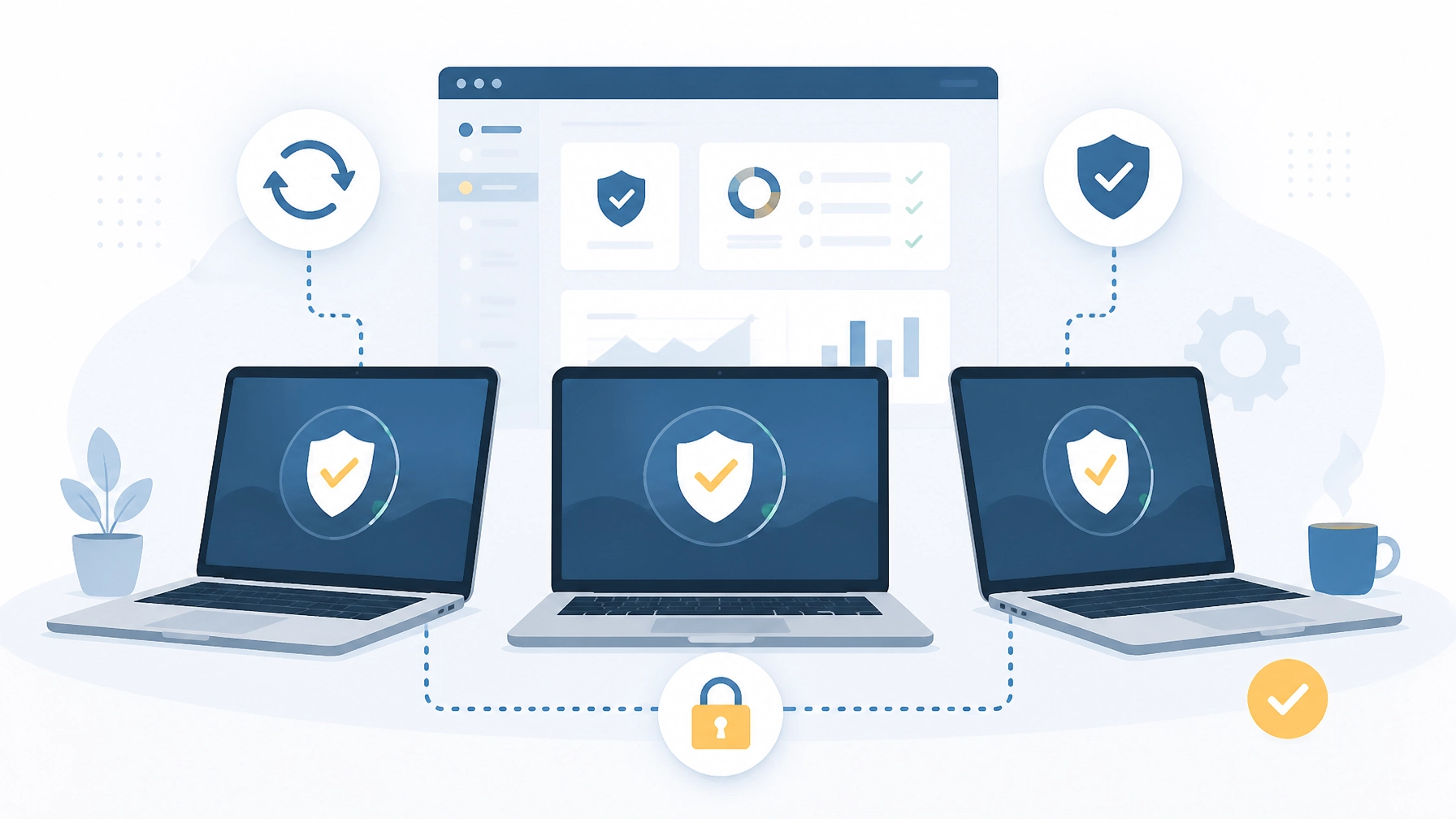
Remote employees should also know how to protect devices physically. They should lock laptops when stepping away, avoid leaving equipment visible in vehicles, and never allow family members to use company devices. If your business permits bring-your-own-device (BYOD), define exactly which devices are allowed and what controls they must meet.
NIST’s telework and BYOD security guidance emphasizes secure remote access, strong authentication, and properly maintained telework devices.
Through managed IT support and maintenance, Southwest Technical Support delivers patch management, performance tuning, endpoint protection, and proactive system monitoring. We help your team work on secure, reliable devices without turning employees into part-time technicians.
4. Keep Cloud File Sharing Safe and Eliminate Shadow IT
Cloud collaboration tools make remote work possible. Employees can share documents, collaborate in real time, and access business information from multiple locations.
The risk appears when employees use unapproved tools to get around slow processes. A personal Dropbox account, free file-transfer site, consumer messaging app, or AI service may seem convenient: but these services can place sensitive business information outside your control.
This is known as shadow IT.
Quick answer: Shadow IT is any unapproved technology employees use for business tasks. It is risky because sensitive files, credentials, and conversations can move outside approved security controls, retention policies, and monitoring.
The solution is not to prohibit every new application. It is to make approved tools easy to use and create a fast process for evaluating new ones.
Your business should:
- Standardize on approved cloud storage and collaboration platforms.
- Apply role-based access so employees see only the files they need.
- Use separate permissions for internal, confidential, and publicly shareable information.
- Disable public links when they are not required.
- Review external sharing regularly.
- Remove access promptly when employees change roles or leave.
- Use data loss prevention (DLP) features where available.
- Provide approved alternatives to commonly used consumer apps.
- Make it simple for employees to request a new tool.
Cloud security also depends on identity security. A poorly protected cloud account can expose an entire library of documents, regardless of how secure the underlying provider may be. MFA, least-privilege access, audit logs, and regular permission reviews should work together.
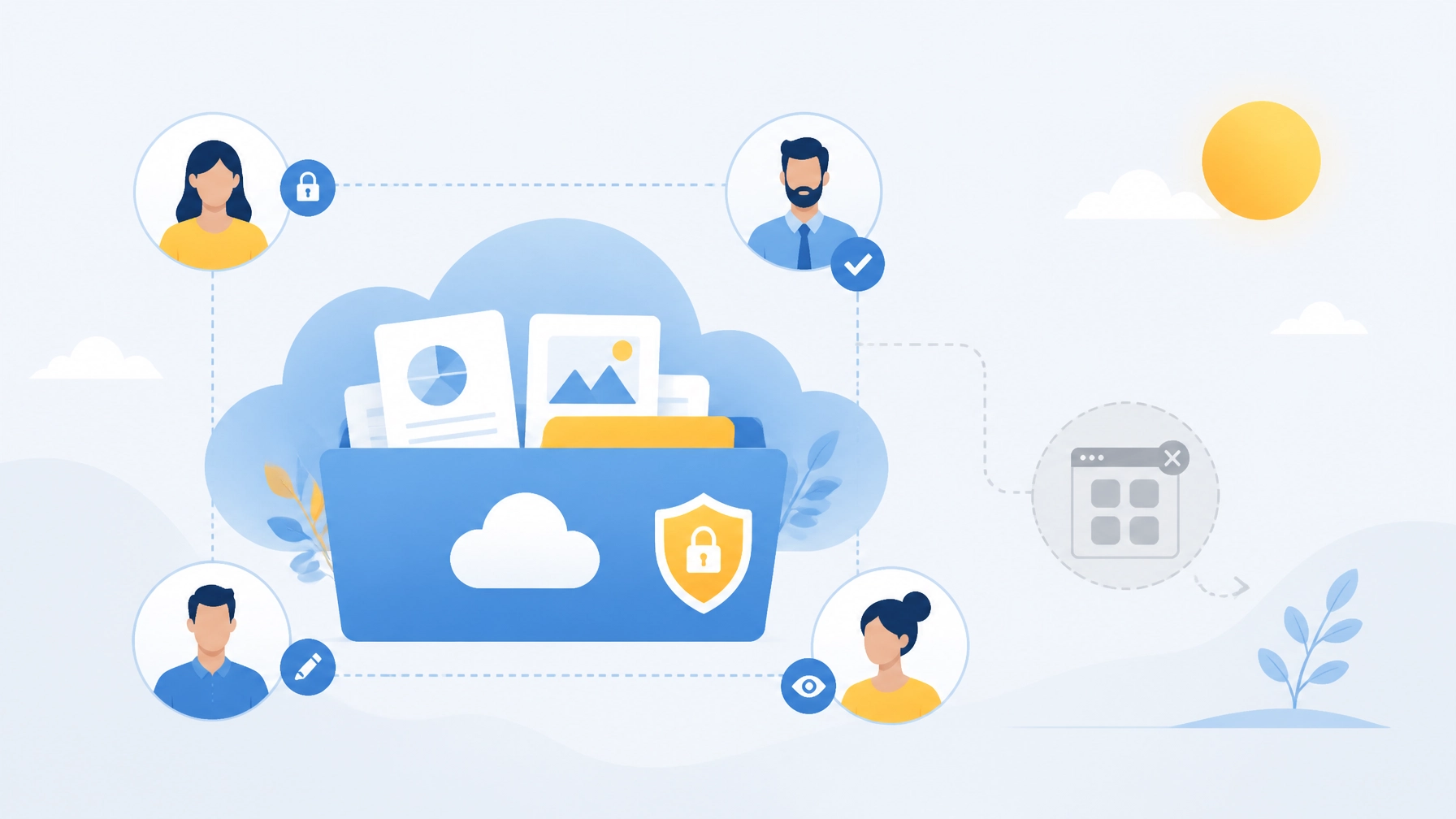
We help businesses manage cloud applications, user access, and infrastructure through end-to-end managed services. Together, we can give your team the flexibility it needs without allowing unapproved tools to create hidden risks.
5. Add 24/7 Monitoring So Problems Are Found Early
Remote work creates more endpoints and access points to watch. Without centralized visibility, a suspicious login, malware infection, or abnormal file-sharing event may go unnoticed until it causes serious damage.
24/7 monitoring gives your business a proactive advantage. Security and IT teams can watch for:
- Unusual login locations or times.
- Repeated failed authentication attempts.
- Suspicious email activity.
- Malware or ransomware behavior.
- Devices missing critical patches.
- Unauthorized software installations.
- Abnormal data transfers.
- VPN or network performance issues.
- Endpoint protection alerts.
The goal is not to watch employees. The goal is to identify technical problems and security events early enough to contain them.
Southwest Technical Support combines proactive monitoring with cybersecurity services such as intrusion detection and prevention, endpoint detection and response, phishing protection, dark web monitoring, and SIEM capabilities. That gives small and midsize businesses access to stronger oversight without the cost of building an internal security operations center.
When an issue appears, your team should also know what to do. Establish a straightforward reporting process:
- Stop interacting with the suspicious message or device.
- Contact your IT support team immediately.
- Do not delete evidence or attempt risky fixes.
- Change credentials only through approved instructions.
- Follow the incident response plan for containment and recovery.
Fast reporting protects everyone. Employees should feel comfortable raising concerns: even when they are unsure: because early action limits the impact of an incident.
Your Quick Remote-Work Security Checklist
Use this checklist as a starting point for your business:
Remote access
- VPN or approved secure access is required for sensitive systems.
- MFA is enabled for VPN, email, cloud apps, and administrative accounts.
- Remote access tools and gateways are patched.
- Public Wi-Fi is avoided or used only with approved secure access.
Home networks
- Routers use WPA3 or WPA2-AES encryption.
- Default router credentials have been changed.
- Router firmware is current.
- Work devices are separated from personal or smart-home devices when possible.
Company devices
- Operating systems and applications update automatically.
- Endpoint protection or EDR is installed and monitored.
- Full-disk encryption is enabled.
- Automatic screen locking is required.
- Lost devices can be remotely locked or wiped.
People and applications
- Employees receive regular phishing awareness training.
- Suspicious emails and MFA prompts can be reported easily.
- Cloud file sharing uses approved platforms and controlled permissions.
- New applications go through a simple approval process.
- The business has an incident response plan.
Make Remote Work Secure, Productive, and Sustainable
Remote work security does not require a maze of restrictions. It requires practical standards, dependable tools, and someone accountable for keeping everything current.
Your business needs more than a reactive fix after an employee clicks the wrong link. You deserve proactive protection that secures devices, monitors systems, supports employees, and helps your organization stay ahead of changing threats.
Southwest Technical Support provides the managed IT, cybersecurity, secure connectivity, and 24/7 monitoring your remote team needs to work confidently. Contact us to discuss your current setup, identify gaps, and build a remote-work security plan that supports productivity instead of standing in its way.
FAQ: Remote Work Security for Small Business
How do I secure remote employees?
Secure remote employees by requiring secure remote access, enforcing multi-factor authentication, using a VPN for remote employees where appropriate, protecting devices with endpoint protection for remote work, limiting unnecessary access, and monitoring for suspicious activity.
What is multi-factor authentication and why does it matter?
Multi-factor authentication is a login process that requires users to verify identity with more than just a password. It matters because stolen passwords are common, and MFA helps stop unauthorized access to email, cloud apps, remote access tools, and financial systems.
How do I protect company laptops used at home?
Protect company laptops used at home with automatic patching, endpoint protection or EDR, full-disk encryption, screen-lock policies, standard user permissions, remote lock or wipe capability, and ongoing monitoring for suspicious behavior.
What is shadow IT and why is it risky?
Shadow IT is the use of unapproved business apps, file-sharing platforms, messaging tools, or AI services. It is risky because it can move company data outside approved controls, reduce visibility, weaken access management, and increase the chance of data loss or compliance issues.
Have an IT challenge to solve?
Our DFW team is ready to help. Get a free, no-pressure assessment.
Get in touch