
August 28, 2026
Your 3 A.M. Problem: What Really Happens When Your Network Goes Down
Meta description: Discover what happens when a business network goes down at night: and how 24/7 network monitoring helps prevent missed payments, failed backups, security risks, and costly downtime.
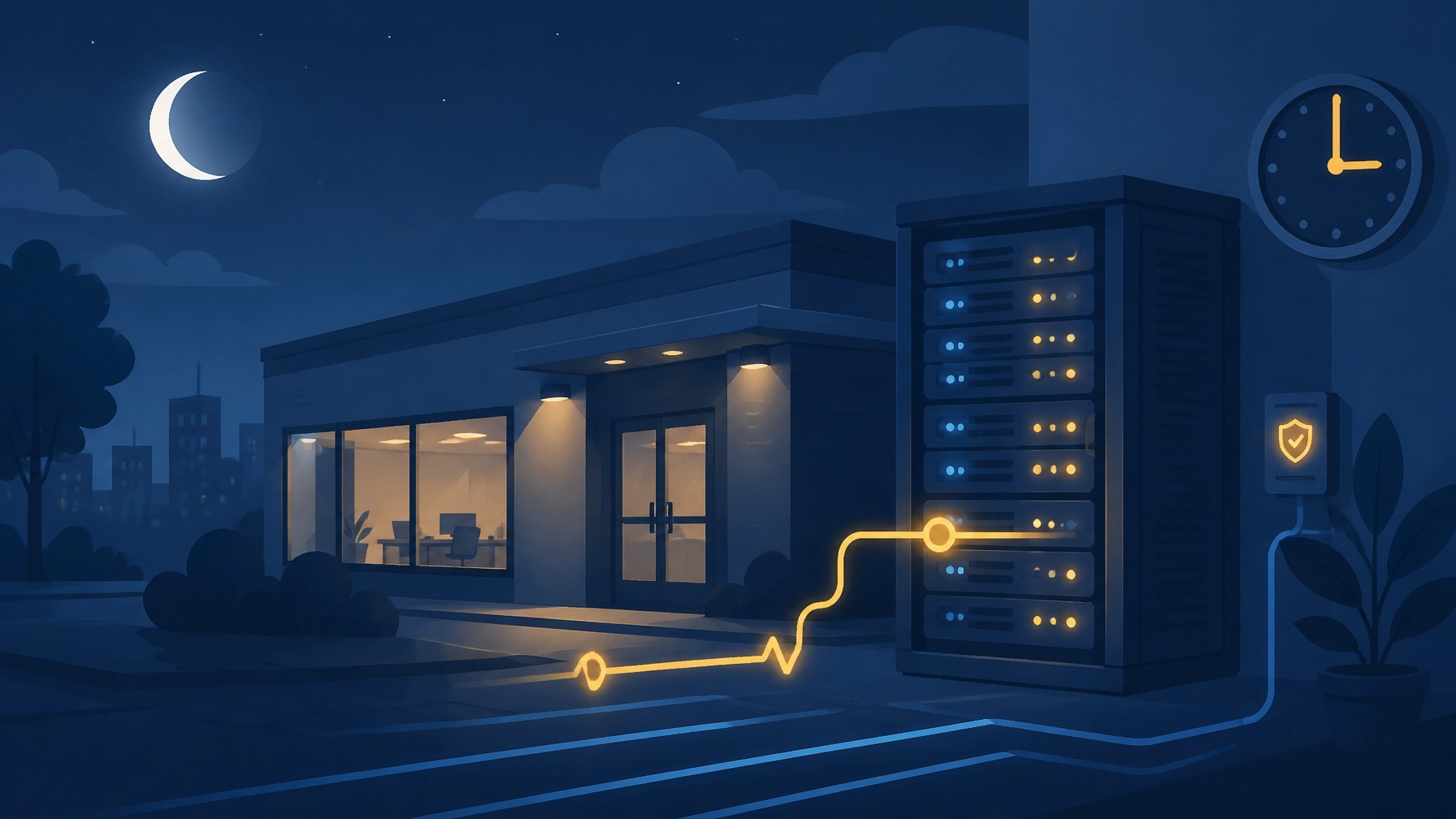
At 3 A.M., your office may be empty, but your technology is still working. Servers are processing data, cloud applications are syncing, backups are running, security systems are scanning for threats, and customers may still be sending inquiries or placing orders.
When the network goes down overnight, the problem does not wait until morning. It grows quietly until someone discovers it.
Quick Answers: What Happens When Your Network Goes Down at Night?
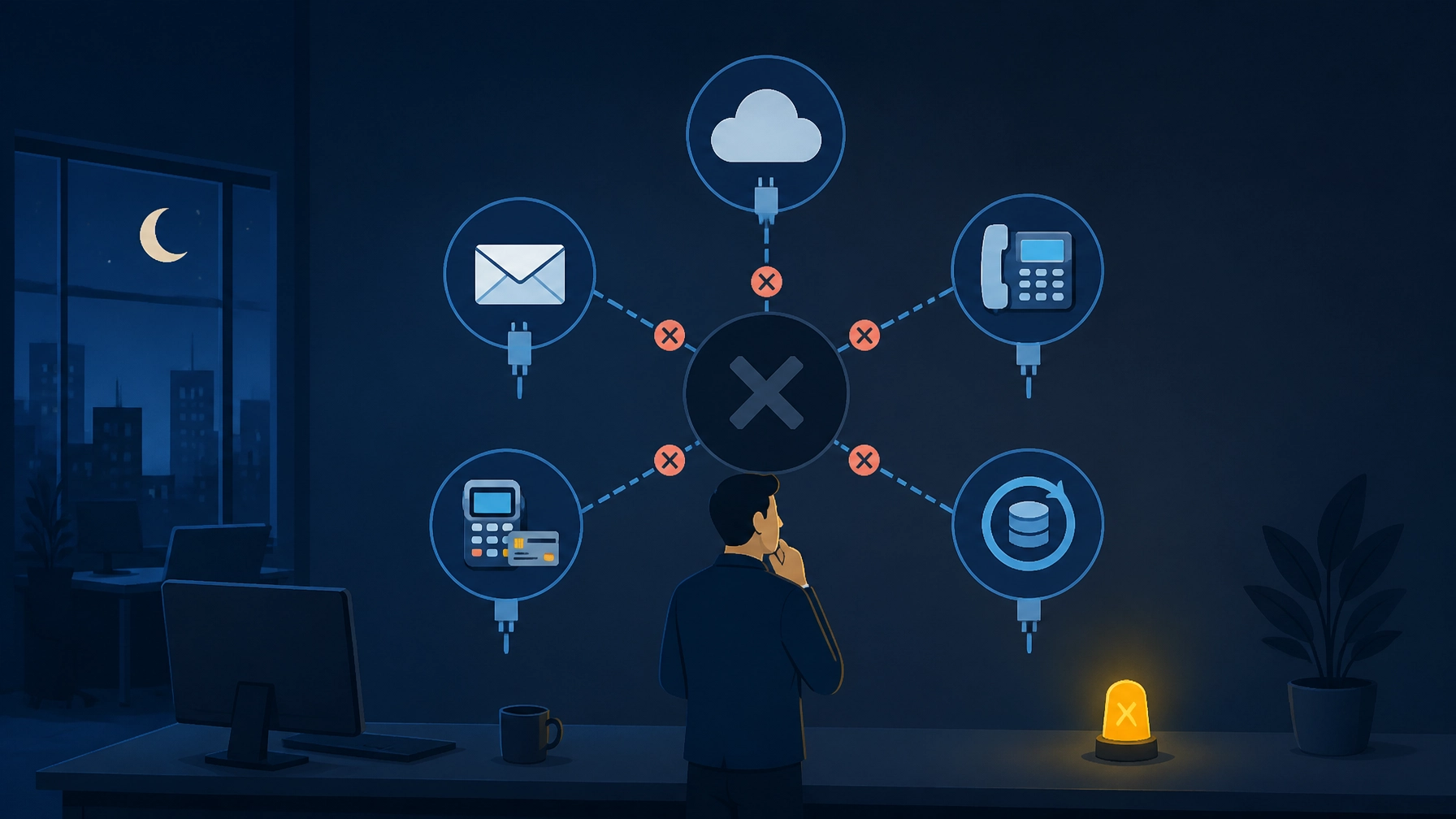
- Email, cloud applications, VoIP phones, payment systems, and shared files may become unavailable.
- Automated backups can fail without anyone noticing.
- Security alerts and unpatched vulnerabilities may go unanswered.
- Employees arrive to a backlog instead of a productive workday.
- 24/7 network monitoring detects the issue, sends real-time alerts, and starts the response before your team arrives.
- The cost of network downtime includes lost productivity, missed revenue, recovery time, emergency support, and potential customer dissatisfaction.
Your business deserves technology support that watches over your infrastructure when your team is asleep. At Southwest Technical Support, we deliver proactive monitoring and responsive IT support designed to keep your business secure, productive, and ahead of avoidable problems.
What Happens When a Business Network Goes Down at Night?
A network outage can begin with a failed router, an ISP interruption, a power event, a software issue, or a cyberattack. The first symptom may look simple: no internet connection. The actual business impact can be much broader.
1. Customer-facing services stop responding
If your website, remote access tools, phones, or customer portals depend on the affected network, customers may receive errors or experience delays. Emails may not send. Contact forms may not process. VoIP calls may fail or route incorrectly.
Even a short outage can create a poor customer experience. A longer outage can make your business appear unavailable or unreliable.
2. Cloud applications become inaccessible
Many small and midsize businesses depend on cloud-based accounting, CRM, payroll, collaboration, scheduling, and file-sharing platforms. A network failure can prevent employees from accessing these systems: even when the cloud provider itself is operating normally.
According to a Business Insider report on internet downtime, cloud-dependent processes such as payroll, invoicing, and collaboration can come to a standstill when connectivity is lost.
3. Automated backups may fail
Overnight is a common time for backup jobs, replication, and synchronization. If the network is unavailable during that window, the backup may fail, stop halfway, or create an incomplete recovery point.
The most dangerous part is not necessarily the failed backup. It is the silence that follows when nobody receives an alert.
Without monitoring, your team may assume the backup completed successfully. When a file is deleted, a server fails, or ransomware encrypts data, you may discover that your most recent usable backup is older than expected.
4. Security events can go unseen
A network outage and a security incident are not always separate problems. An unusual traffic spike, disabled firewall, compromised device, or failed security service can indicate an active threat.
If nobody is watching, suspicious behavior can continue for hours. Attackers do not follow your office schedule, and your defenses need coverage outside normal business hours.
The Morning-After Cost of Network Downtime
The first cost of an overnight outage is often measured in lost work time. The larger cost comes from everything that follows.
Employees may spend the first part of the day restarting devices, calling vendors, searching for passwords, and trying to determine what happened. Managers may need to postpone appointments, manually process transactions, or explain delays to customers.
The total network downtime cost can include:
- Lost employee productivity
- Missed sales, payments, or service requests
- Failed or delayed backups
- Emergency repair and vendor fees
- Overtime required to clear the backlog
- Contractual or compliance consequences
- Customer frustration and reputational damage
- Data recovery and incident response costs
A widely cited 2020 estimate reported that U.S. small businesses could lose billions in productivity from internet outages, with the smallest businesses carrying a significant share of the impact. That figure is dated and should not be treated as a universal current rate, but it illustrates the central issue: downtime costs far more than the minutes shown on an outage clock.
To calculate a practical estimate for your organization, add the following:
Hourly downtime cost = employee labor affected + average hourly revenue at risk + recovery expenses + likely customer impact
Even a business with ten employees can lose hundreds or thousands of dollars during a few hours of disruption. The right monitoring strategy helps reduce both the duration and the scope of the incident.
24/7 Network Monitoring for Small Business
24/7 network monitoring continuously checks the health, availability, performance, and security of your technology environment. It gives your business a set of informed eyes on the network at all times: not just when someone happens to notice a problem.
Effective monitoring can track:
- Internet and WAN connectivity
- Firewalls, routers, switches, and wireless access points
- Servers, endpoints, and critical applications
- CPU, memory, storage, and system performance
- Backup completion and recovery points
- Patch status and device health
- Suspicious traffic and security events
- Latency, packet loss, and service availability
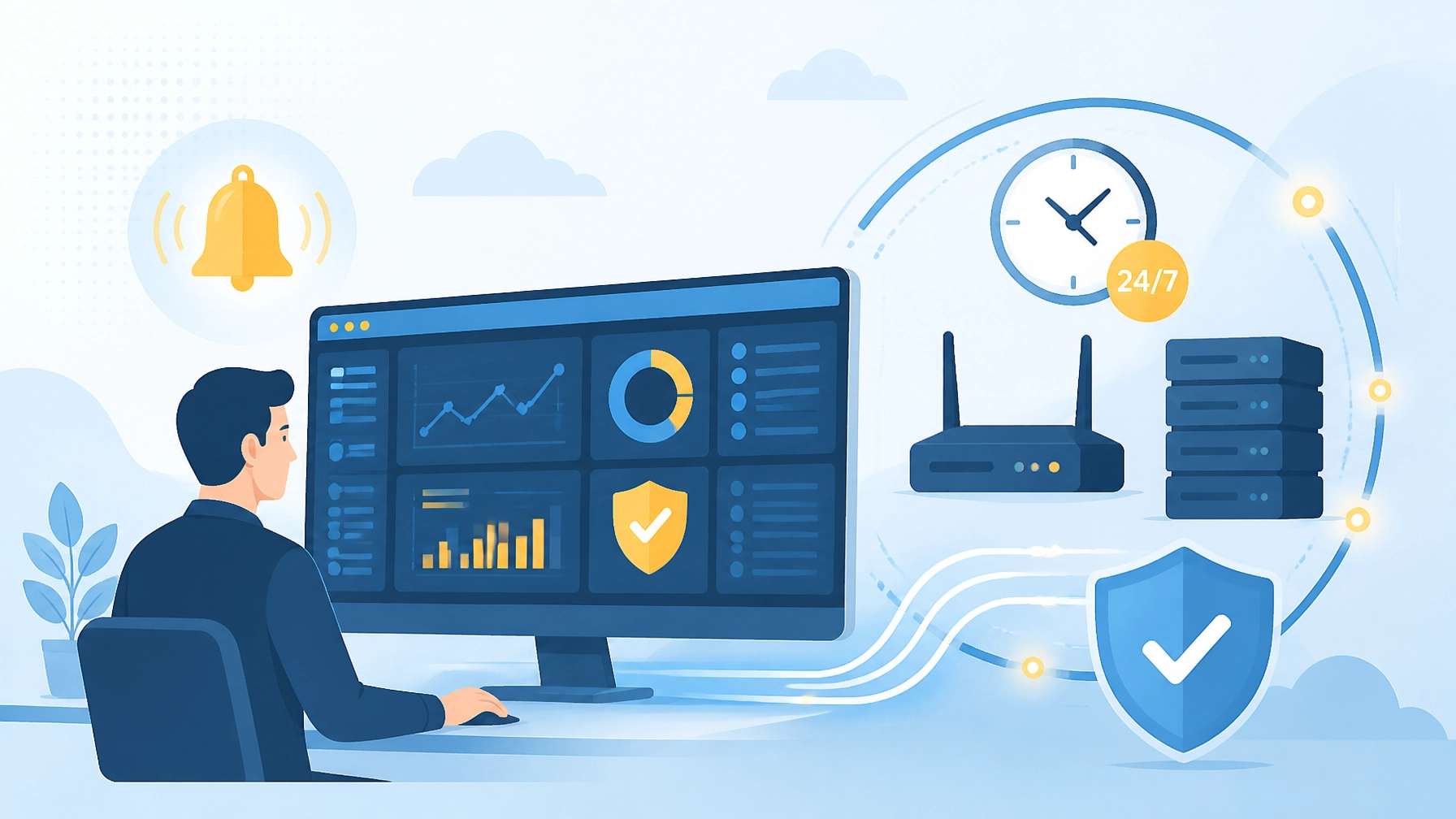
When the system detects a problem, it generates a real-time alert. Depending on the issue, an IT professional can investigate remotely, contact your internet provider, restart a service, isolate a device, or escalate the incident before it disrupts the next business day.
The goal is not simply to report that something broke. The goal is to identify problems early and resolve them before they become business interruptions.
How Real-Time Alerts Prevent After-Hours IT Problems
Monitoring creates value when alerts lead to action. Your business needs more than a dashboard that nobody checks.
A proactive monitoring process should:
- Detect abnormal behavior. The system identifies an outage, degraded performance, failed backup, or security concern.
- Prioritize the incident. Critical systems receive immediate attention while lower-risk issues follow an appropriate queue.
- Notify the right people. Alerts reach an on-call technician or support team: not just an unattended inbox.
- Begin remote troubleshooting. The team checks devices, connectivity, services, logs, and vendor status.
- Reduce the business impact. Technicians restore services, activate workarounds, or coordinate with the ISP.
- Document and prevent recurrence. After resolution, the incident is reviewed and corrective measures are applied.
At Southwest Technical Support, our IT Support & Maintenance services combine 24/7 proactive system monitoring with patch management, performance tuning, help desk support, and strategic technology planning. We do not wait for your team to discover every problem first.
Build a Stronger After-Hours Network Protection Plan
Monitoring is essential, but resilient businesses use multiple layers of protection. Let’s work together to make sure your business can continue operating when a single system or provider fails.
Your plan may include:
- Redundant internet: A secondary ISP or cellular connection can keep essential services online when the primary connection fails.
- Failover configuration: Network equipment can automatically shift traffic to the backup connection.
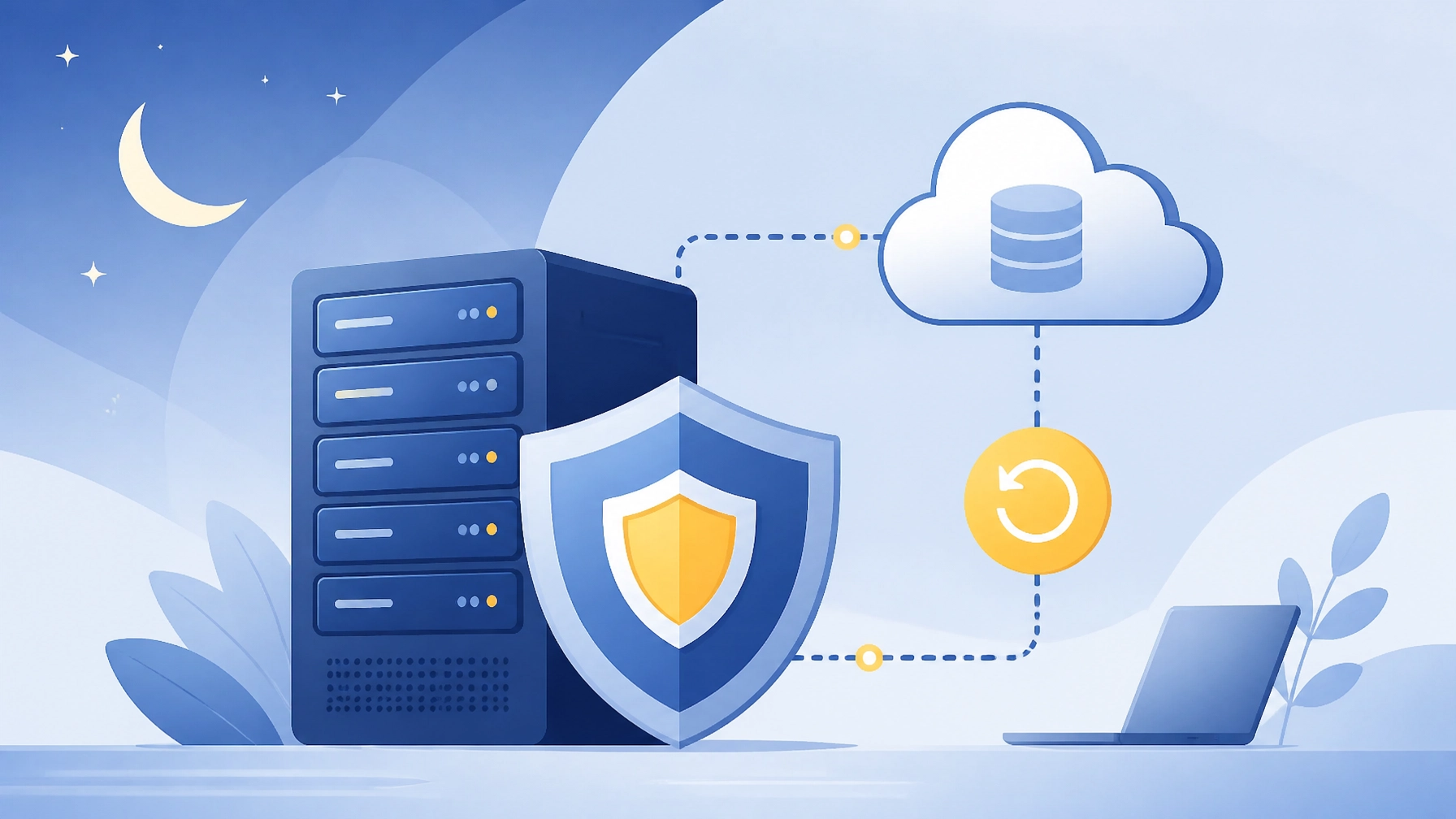
- Reliable backup solutions: Automated, encrypted backups provide dependable recovery points.
- Disaster recovery planning: A documented recovery plan defines priorities, responsibilities, and restoration procedures.
- Security monitoring: Firewalls, endpoints, identity systems, and cloud services need continuous oversight.
- Vendor coordination: A managed IT partner can work with ISPs, software providers, and telecom vendors on your behalf.
- Regular testing: Backups and failover systems deserve routine testing: not assumptions.
Don’t Leave Your 3 A.M. Problems Until 8 A.M.
A network outage that begins overnight can become a full-day operational crisis. Failed backups, security events, missed payments, and unavailable cloud systems can all remain invisible until employees walk through the door.
You need a partner that treats your infrastructure as seriously as you do. Our team delivers proactive monitoring, cybersecurity, backup solutions, disaster recovery, and responsive support for businesses across the Dallas–Fort Worth area.
Contact Southwest Technical Support to discuss your current after-hours risks and build a monitoring plan that helps protect your uptime, data, and customer relationships. We’ll map your needs to a practical solution: so your team can start the day with confidence.
Frequently Asked Questions About Overnight Network Outages
What happens when a business network goes down overnight?
Email, cloud applications, VoIP phones, payment systems, remote access, shared files, and automated backups may become unavailable. If no one detects the outage, the problem can continue until employees arrive, increasing lost productivity, customer delays, and recovery time.
What is 24/7 network monitoring?
24/7 network monitoring is the continuous observation of network devices, internet connectivity, servers, endpoints, backups, performance metrics, and security events. Monitoring tools send real-time alerts when they detect outages, unusual activity, failed services, or conditions that could lead to downtime.
How much does network downtime cost a small business?
The cost varies by company. It can include affected employee wages, lost sales, missed payments, emergency IT services, recovery work, customer churn, and reputational damage. Businesses can estimate their exposure by calculating the revenue and labor affected during each hour of downtime, then adding recovery and customer-impact costs.
How can I prevent after-hours IT problems?
Partner with a managed IT provider for 24/7 network monitoring, real-time alerts, proactive maintenance, security monitoring, tested backups, disaster recovery planning, and internet failover. Together, these measures help detect problems early and reduce the chance that an overnight incident becomes a morning crisis.
Have an IT challenge to solve?
Our DFW team is ready to help. Get a free, no-pressure assessment.
Get in touch