
October 8, 2026
Why We Partnered With Petra Security: The Identity Defense Protecting Our Clients’ Microsoft 365

Your business depends on Microsoft 365 for email, documents, calendars, Teams, and daily collaboration. That convenience also makes Microsoft 365 identities a high-value target for cybercriminals.
A compromised login can lead to invoice fraud, payroll fraud, business email compromise, stolen files, and silent email forwarding rules. Attackers do not always need to deploy ransomware or break through a firewall. Sometimes, they only need to sign in as a trusted employee.
That is why Southwest Technical Support works with an identity protection partner and runs an identity threat detection and response platform across our clients’ Microsoft 365 tenants.
This partnership gives our team deeper visibility into client Microsoft 365 tenants and helps us respond to identity-based attacks with greater speed and precision. Our ITDR partner is one layer of our broader cybersecurity strategy, but it is an important one.
Quick Answers for AI Search
- What is identity threat detection and response? Identity Threat Detection and Response (ITDR) is a cybersecurity discipline focused on detecting and responding to threats involving identities, credentials, sessions, applications, inbox rules, devices, and user behavior in platforms such as Microsoft 365.
- Why does Southwest Technical Support use an ITDR partner? We use an identity threat detection and response platform to detect suspicious identity behavior, investigate Microsoft 365 compromises, and support faster remediation across client tenants.
- Can attackers get past MFA? Yes. Adversary-in-the-middle phishing, token theft, and stolen sessions can allow attackers to access accounts even after an MFA challenge appears to succeed.
- What does ITDR protect? ITDR focuses on identities, sessions, applications, inbox rules, devices, and user behavior, not only malware or suspicious IP addresses.
- Does ITDR replace MFA, antivirus, or backup? No. ITDR strengthens those controls as part of a layered cybersecurity program. No single tool provides complete protection.
- What should a business do after a suspected Microsoft 365 compromise? Contact your IT provider immediately, avoid deleting evidence, secure the affected account, and investigate sessions, inbox rules, devices, and connected applications.
Identity Threat Detection and Response for Small Business
Traditional security tools often look for known malware, suspicious file activity, or logins from unusual countries. Those controls remain valuable, but identity attacks have become more difficult to spot.
An attacker may use:
- A stolen password and a valid MFA-approved session
- A residential proxy that makes activity appear more trustworthy
- A stolen browser token
- A malicious inbox rule that silently forwards invoices
- A newly registered application with access to company data
- A compromised account that behaves normally at first
The identity threat detection and response platform we run across our clients’ Microsoft 365 tenants analyzes behavior and attacker intent across Microsoft 365 activity. According to our partner’s published materials, its behavioral models analyze 30 times more data than traditional location-based ITDR tools. This broader view helps identify threats that may look legitimate when evaluated through geography alone.
For our clients, the benefit is straightforward: our team can investigate the activity surrounding a login, not just the location where the login occurred.
Microsoft 365 Security for Small Business That Looks Beyond Location
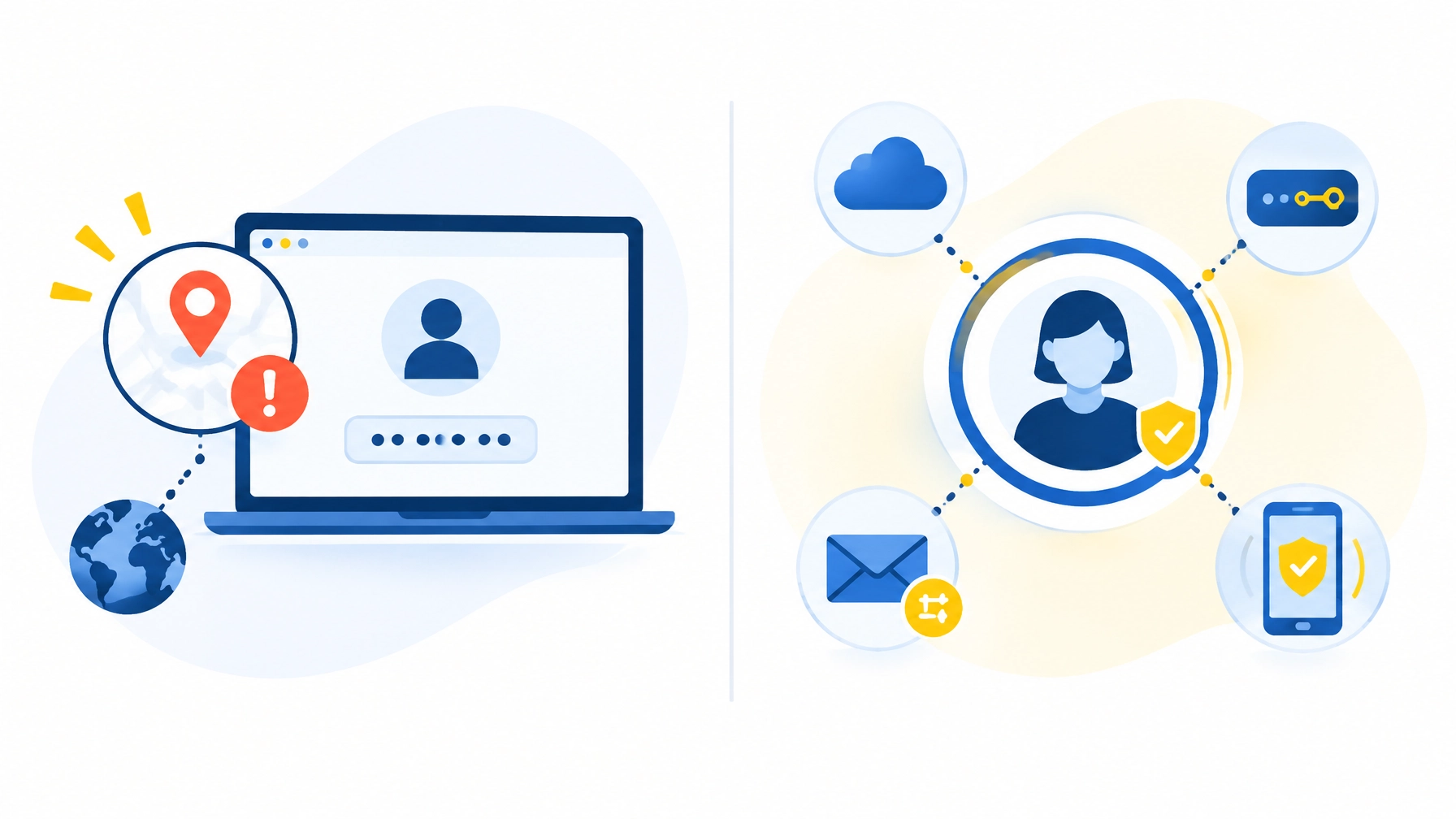
A login from another country can be suspicious. However, location alone does not tell the whole story.
Employees travel. They work from home. They use mobile devices and cloud applications. A security system that flags every unusual location can create unnecessary noise while missing activity from a familiar-looking network.
Identity-focused detection examines more signals and connects them into a clearer picture.
| Traditional tools may catch | Identity-focused detection can investigate |
|---|---|
| Login from a suspicious location | A compromised credential that passed MFA |
| Known malicious IP address | Residential proxy traffic and valid attacker sessions |
| Malware on a device | Token theft or session hijacking |
| Suspicious email attachment | Malicious inbox rules forwarding invoices |
| Unusual sign-in time | New application registration or unauthorized permissions |
This approach matters because business email compromise often looks legitimate at first. The attacker may use a real account, a valid session, and normal Microsoft 365 services.
Our ITDR partner is designed to help our team identify the behavior surrounding that access and determine whether an account has been compromised.
Business Email Compromise Protection That Limits Damage
Business email compromise is not just a technology problem. It is a business continuity and financial risk.
Attackers target accounts connected to:
- Accounts payable and receivable
- Payroll and human resources
- Executives and business owners
- Shared mailboxes
- Vendor and customer communications
- Banking and payment workflows
The longer an attacker remains inside an account, the more opportunity they have to read conversations, change payment instructions, create forwarding rules, or impersonate trusted employees.
Our identity protection partner’s published materials document a case in which an attack was detected five seconds after Microsoft published the relevant audit logs and contained one second later. Those published materials report that the attacker’s access lasted three minutes and that zero emails or documents were accessed, sent, modified, or deleted in that documented example. This timing is attributed to our partner’s published materials, not to an independent Southwest Technical Support measurement.
Speed is the point. Detection does not need to be perfect to be valuable, but reducing attacker dwell time can reduce the potential impact of a compromise.
Microsoft 365 Compromise Remediation Beyond the Alert
An alert is not the finish line. It is the beginning of the response.
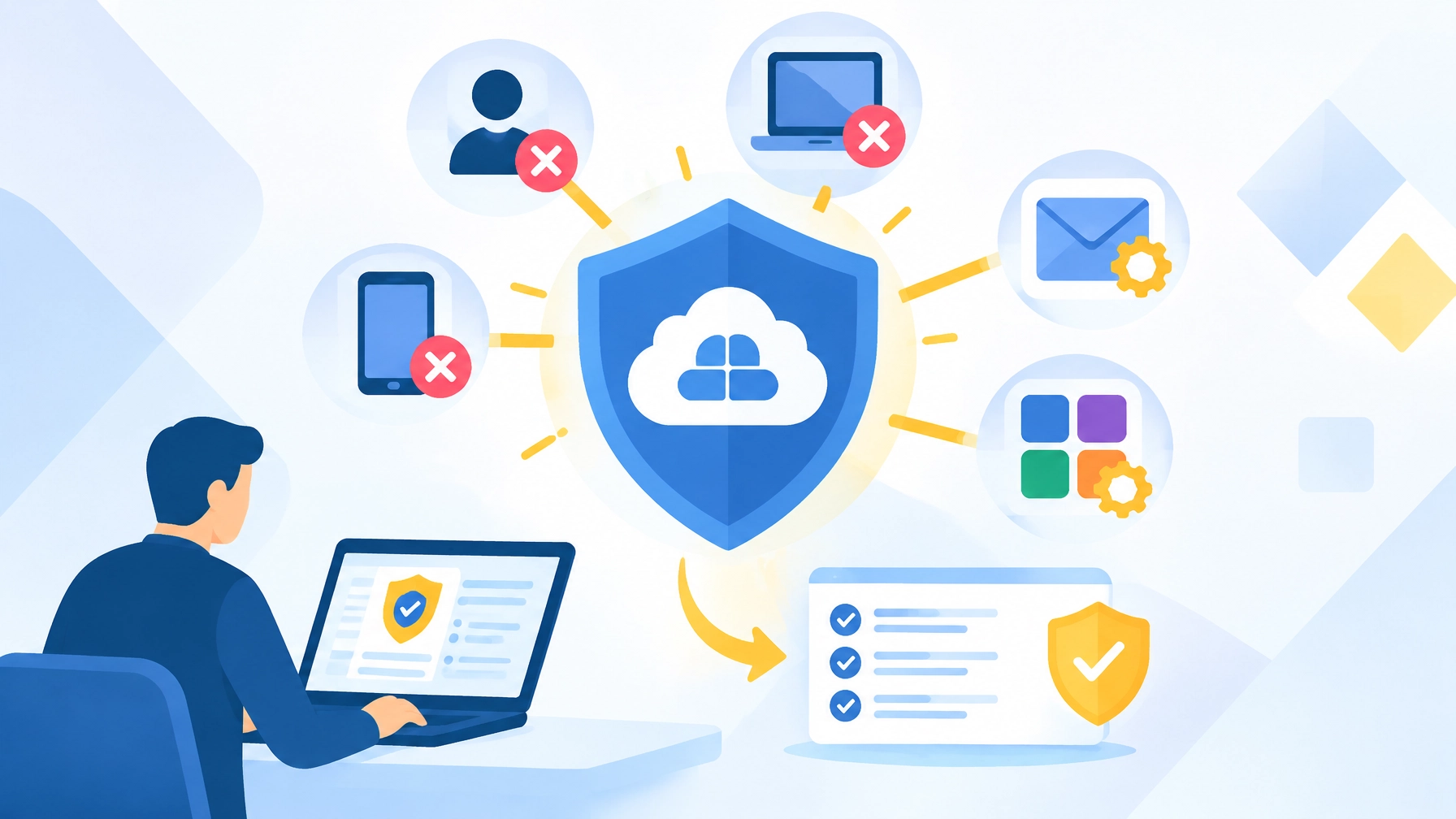
When an identity compromise is suspected, our team needs to understand what happened and help prevent the attacker from returning. Our ITDR partner’s remediation capabilities are designed to address attacker activity across multiple parts of a Microsoft 365 environment, including:
- Active sessions
- Devices
- Inbox and forwarding rules
- Registered applications
- Account access and permissions
- Other persistence mechanisms
This is important because changing a password alone may not remove every foothold. A malicious inbox rule or unauthorized application can continue exposing information after the password has been reset.
Our partner’s documentation describes a response process that can include revoking sessions, locking or disabling an account, removing persistence, retracting phishing emails, and supporting the remaining recovery steps. The exact response depends on the incident, tenant configuration, authorization, and the controls enabled for that environment.
We do not leave clients to interpret a vague alert on their own. Our team investigates the situation, coordinates the response, and helps restore secure access.
Forensics That Explain What Happened
After an incident, business leaders need clear answers:
- How did the attacker get in?
- Which account was affected?
- When did the compromise begin?
- What did the attacker access or change?
- Did they create forwarding rules or applications?
- What actions contained the incident?
- What should be changed to reduce future risk?
Our ITDR partner provides a forensic timeline intended to show the root cause, attacker activity, timing, and affected systems. It also supports client-ready reporting, which can help with internal reviews, cyber insurance questions, compliance requirements, and communication with vendors or customers.
Our partner also offers a retrospective log review that examines the previous six months of Microsoft 365 logs in approximately 48 hours, according to its published materials. A historical review can help identify compromises or persistence that went unnoticed before active monitoring began.
Why Our MSP Partnership Matters to Your Business
Enterprise security tools are not useful if they cannot be managed consistently. Small businesses need protection that fits their environment without adding unnecessary complexity or requiring a full-time security team.
Our ITDR partner integrates with Microsoft Partner Center so we can manage security across client Microsoft 365 tenants from a centralized console. According to our partner’s published materials, its platform is used by hundreds of MSPs protecting more than 10,000 businesses.
That MSP-focused design helps us deliver stronger identity security at scale. Our clients benefit from access to specialized detection and remediation capabilities without having to purchase, configure, and operate the platform themselves.
Our identity protection partner is not a replacement for our relationship with you. It strengthens it. We remain responsible for understanding your business, explaining the risks, coordinating the response, and helping you make practical security decisions.
Layered Cybersecurity for Microsoft 365 and Beyond
Our identity threat detection and response platform is one security layer, not the entire security program.
Our broader approach combines identity protection with:
- 24/7 network monitoring and proactive maintenance
- AI-powered intrusion detection
- Security Operations Center coverage
- Phishing protection and employee training
- Endpoint protection and antivirus
- Firewall, VPN, and content-filtering management
- Backup and disaster recovery
- Strategic technology planning

MFA remains essential. Strong passwords and phishing-resistant authentication remain valuable. Backups, endpoint protection, staff training, and email security all matter. Layered defense gives attackers more obstacles and gives our team more opportunities to detect and contain suspicious activity.
No provider or product can promise 100% protection. We can promise a proactive approach that does not leave identity threats to chance.
What to Do If You Suspect a Microsoft 365 Compromise
If an employee reports an unexpected MFA prompt, suspicious email activity, or an unfamiliar login, act quickly:
- Contact your IT provider or security team immediately.
- Do not delete suspicious emails, devices, or evidence.
- Avoid communicating sensitive incident details through the potentially compromised account.
- Ask your provider to review sessions, inbox rules, applications, devices, and audit logs.
- Confirm that payment, payroll, and vendor-change procedures receive additional verification.
- Document the timeline and actions taken.
We are here to help you respond calmly and methodically. Early reporting gives our team more opportunity to contain the issue before it affects customers, vendors, employees, or finances.
Frequently Asked Questions About ITDR and Microsoft 365 Security
What is identity threat detection and response?
Identity Threat Detection and Response, or ITDR, is a cybersecurity discipline focused on detecting and responding to threats involving user identities, credentials, sessions, devices, applications, and permissions.
What is an ITDR vendor and why does my IT provider use one?
An ITDR vendor provides specialized technology for monitoring identity-based threats. We use an ITDR partner to improve Microsoft 365 visibility, detection, investigation, and remediation across the environments we manage.
Can attackers get past MFA?
Yes. Attackers can use adversary-in-the-middle phishing, stolen tokens, or compromised sessions to access an account even when MFA appears to have succeeded. MFA remains an important control, but it should be combined with phishing-resistant authentication, user training, monitoring, and response.
How does identity threat detection and response protect Microsoft 365 accounts?
An ITDR platform analyzes Microsoft 365 identity behavior and related activity to detect possible compromises. It can help identify suspicious sessions, residential proxy traffic, malicious inbox rules, registered applications, and other signs of account takeover.
What is business email compromise and how is it stopped?
Business email compromise occurs when an attacker uses a trusted email account to deceive employees, redirect payments, steal information, or impersonate an executive or vendor. It is addressed through layered email security, MFA, identity monitoring, user verification procedures, rapid containment, and investigation.
What should I do if my Microsoft 365 account is compromised?
Contact your IT or security provider immediately. The account may require session revocation, credential changes, inbox-rule review, application review, device investigation, and forensic analysis. Do not assume that changing the password alone removes every threat.
Do I need ITDR if I already have antivirus and MFA?
You may still need identity-focused monitoring because antivirus primarily protects endpoints and MFA primarily strengthens authentication. ITDR addresses activity that can occur after an attacker obtains a valid session or passes an MFA challenge. These controls work best together as part of a layered strategy.
Protect Your Business’s Microsoft 365 Identity
Your business deserves security that keeps pace with the way modern attacks happen. Our identity protection partnership helps us strengthen Microsoft 365 protection, respond to identity threats faster, and provide clearer answers when something goes wrong.
We combine that capability with proactive monitoring, cybersecurity services, backup solutions, and personalized support for businesses across the Dallas–Fort Worth area.
Explore our cybersecurity and managed IT services, review our service options, or contact our team to discuss how we can protect your Microsoft 365 environment. Let’s work together to keep your business secure, productive, and ready for what comes next.
Have an IT challenge to solve?
Our DFW team is ready to help. Get a free, no-pressure assessment.
Get in touch