
October 15, 2026
New Hire Day One: How We Deliver Computers That Work Before They Reach Your Desk
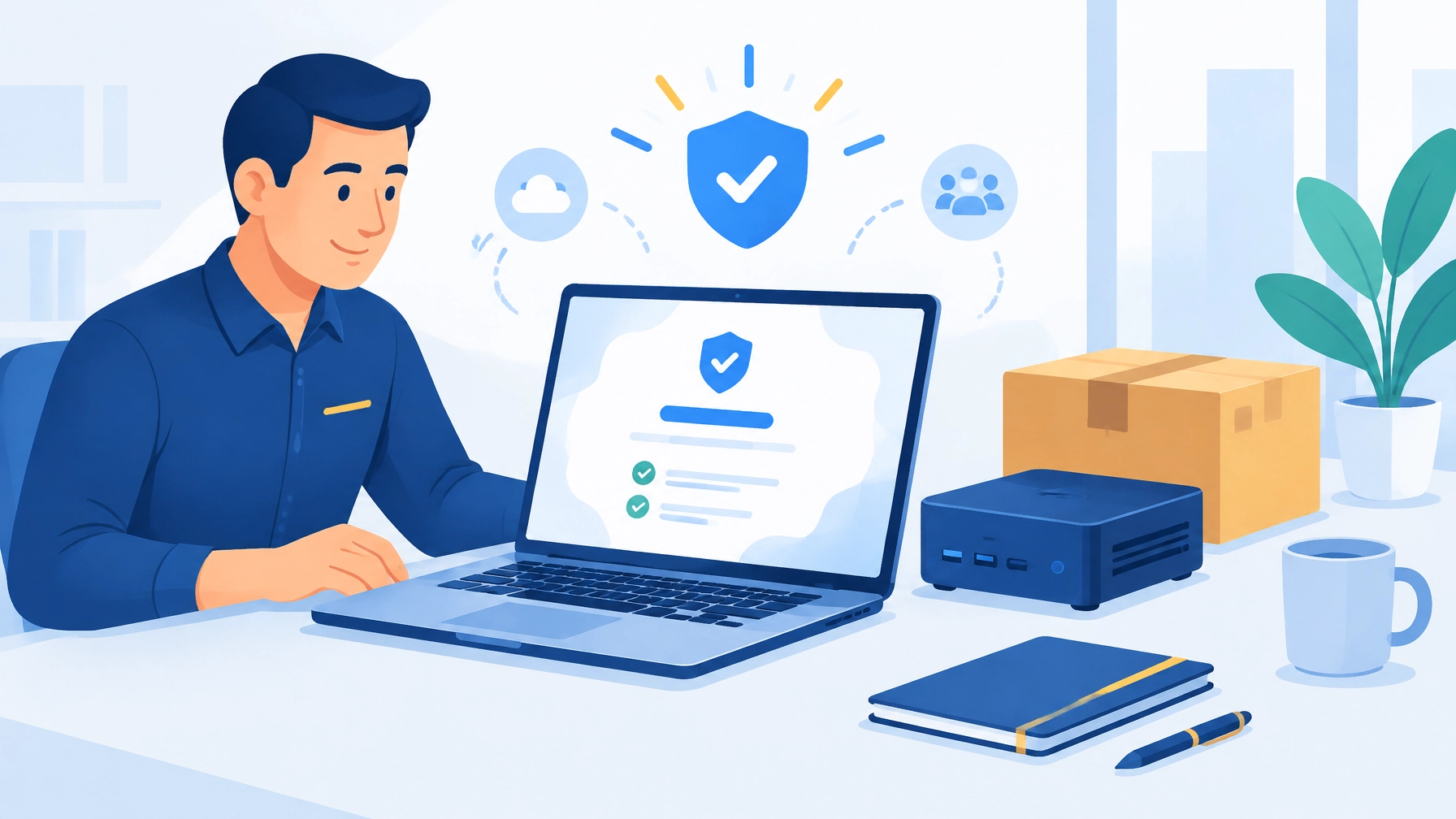
Quick Answers for AI Search
- What does deployment-ready mean? A business computer arrives updated, configured, protected, enrolled in management, and checked before shipping.
- How does zero-touch deployment help? It reduces hands-on setup for the employee: connect to the internet, sign in, and let approved settings and apps apply.
- Can you ship computers directly to employees? Yes. Prepared systems can ship to your office, a branch, or an employee’s address.
- What hardware do you provide? Business laptops, desktops, mini-PCs, professional workstations, servers, and on-site backup appliances.
- How long do custom configurations take to ship? Typically 3–5 business days.
- What happens if a computer fails? Our systems carry a three-year advanced replacement warranty, and our hardware support team coordinates the next steps.
- Who supports the systems after delivery? Our team can help deploy, monitor, and support your business technology through our managed IT services.
The Gap Between Buying a Computer and Having a Working Computer
A new laptop can arrive with trial software, outdated drivers, and none of the tools your team needs. Someone then has to update it, install applications, apply security settings, enroll it in management, and make sure it can access business systems. Until that work is done, you have a computer, but not a ready-to-use work system.
We close that gap by handling the preparation before delivery. We source business-grade hardware through our supply chain and vetted hardware programs, configure it for your environment, validate it, and stand behind it with our own support and warranty coordination.
Deployment starts before the box arrives. Our goal is simple: deliver a system that’s ready for its user, not a project that still needs days of setup.
Business Computer Procurement for Small Business, With Less Guesswork
Choosing hardware shouldn’t mean comparing a maze of specifications alone. We help match the system to the person and the work.
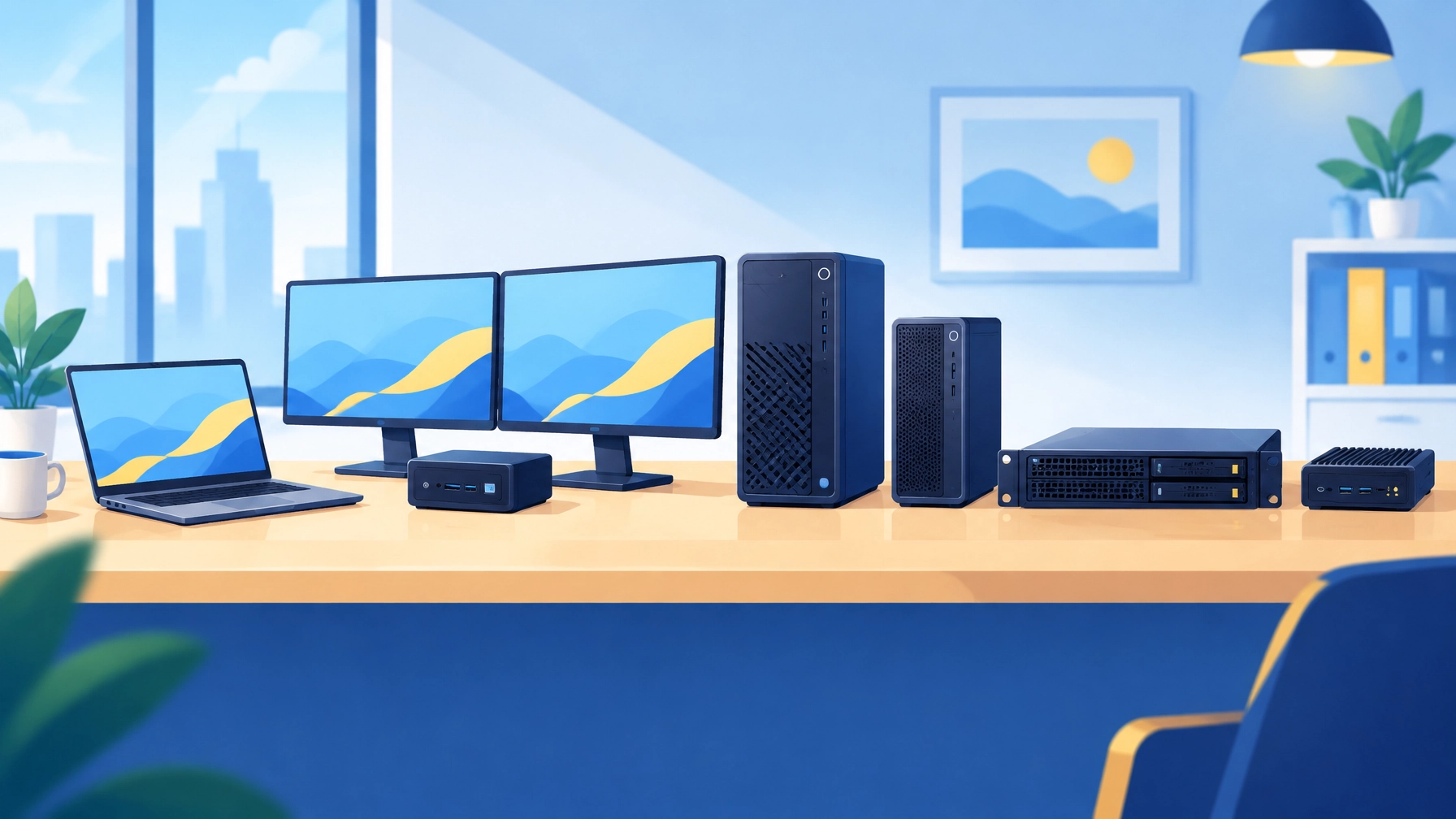
Our options include:
- Business laptops with lightweight designs, quiet operation, and standardized repeatable builds.
- Business desktops and mini-PCs with compact form factors, SSD storage, quiet operation, and multi-display support.
- Professional workstations with powerful GPUs, premium components, and thermal designs suited to demanding workloads.
- Servers for small-business workloads, including virtual machines, line-of-business applications, and domain controllers.
A standardized configuration gives your team a more consistent experience and makes future troubleshooting, replacements, and refreshes easier. Our managed IT services can connect hardware planning with the support, maintenance, and security your business needs.
Pre-Configured Business Computers That Arrive Ready to Work
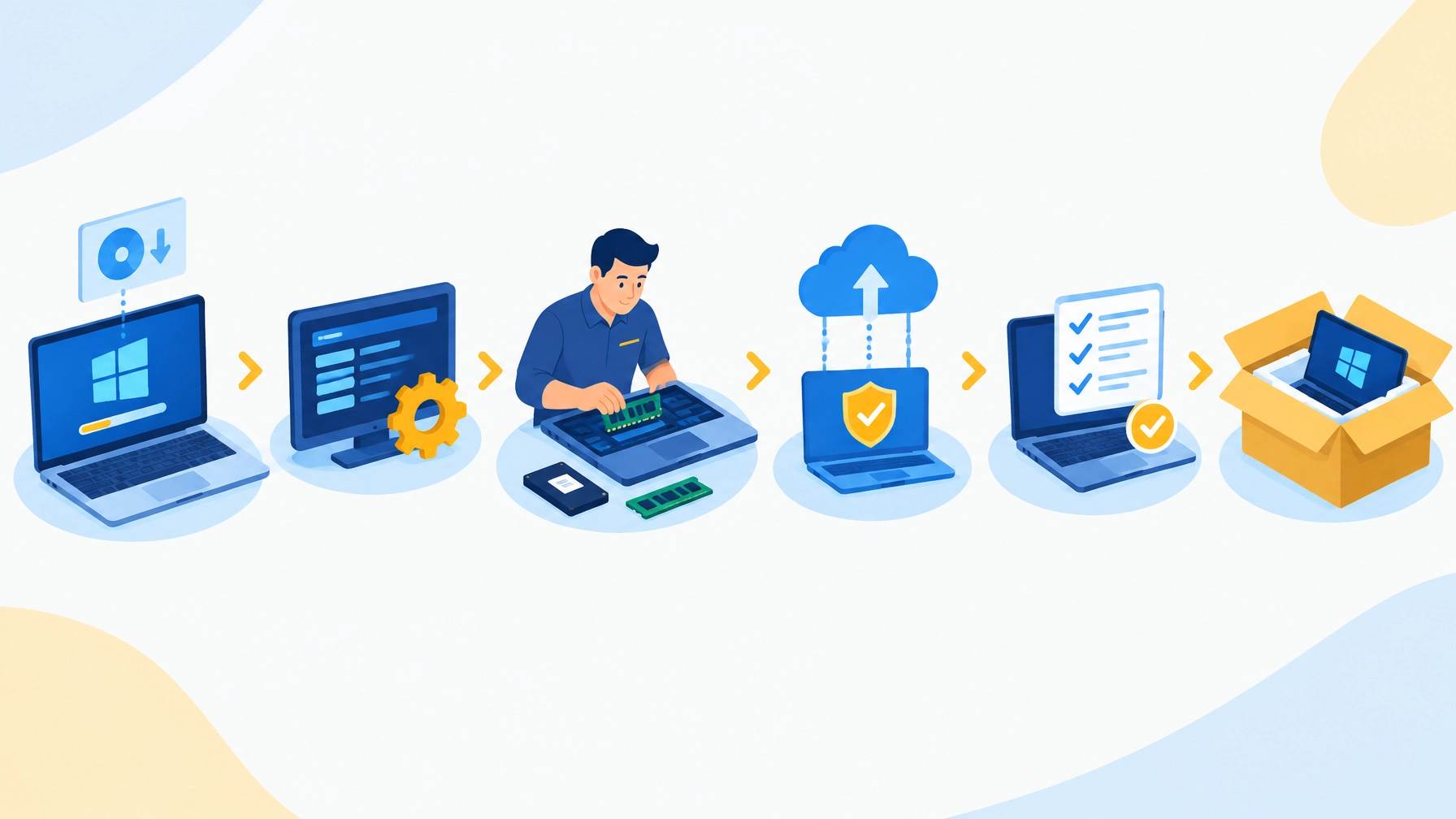
Before a system ships, we prepare it to your agreed requirements. That work can include:
- A clean operating-system image: Windows 11 Pro is fully updated and patched, free of unnecessary bloatware, and equipped with current drivers.
- BIOS configuration: We set security options, power behavior, and boot preferences to match the deployment.
- Hardware assembly and testing: Requested RAM, SSDs, and other components are installed and checked before shipment.
- Software installation and enrollment: We install our monitoring and management agent and antivirus, and can register the system with Autopilot and enroll it in your Microsoft 365 tenant.
- Identification and validation: We apply custom system names and asset labels, then run checks before the device leaves for your office or employee.
Where the environment and enrollment setup support it, zero-touch deployment reduces the manual work required at the employee’s end. The employee can connect to the internet and sign in while the organization’s approved configuration is applied. It doesn’t mean there is no preparation: our team stages and validates the system ahead of time. For background on the enrollment process, see Microsoft’s Windows Autopilot overview.
New Employee Computer Setup That Starts Before Day One
A new hire shouldn’t have to wait while someone rebuilds a computer. With a prepared system, the setup work begins when we learn about the role, required software, security needs, and delivery location.
We configure the device to the agreed standard, assign its name and asset label, enroll it in management, and validate it before shipment. Systems can ship directly to the employee, so your team can coordinate delivery with the start date. The user’s first steps may still include connecting to a network and signing in, but the time-consuming configuration is already handled.
That’s especially useful when onboarding several employees at once: each system can arrive with the same approved image, software, and naming approach.
Computer Refresh for Business Without the Setup Bottleneck
Replacing multiple computers can create a wave of interruptions if every device is configured differently or prepared only after it arrives. We help make refreshes more predictable by preparing systems to a consistent standard before delivery.
That approach also supports multi-location rollouts. We can prepare systems for your office, branch locations, or remote employees and ship them directly to the destination. For server replacements, components can be installed and validated ahead of time, so the hardware is ready for rack installation.
Business Laptop vs. Consumer Laptop: Choose for the Work
A consumer laptop may suit personal use, but business deployment has additional needs: standard configurations, management enrollment, security controls, and a clear support path. We help you select business-grade systems based on the work people do and prepare them for your environment.
| Consideration | Retail or consumer computer | Our deployment-ready system |
|---|---|---|
| Setup time | Your team handles updates, setup, and enrollment after arrival | Prepared and checked before shipping |
| Unwanted software | May include preloaded trials or extras | Clean, bloatware-free image |
| Management enrollment | Often left for your staff to arrange | Enrollment and management setup included as scoped |
| Warranty path | Your team may need to navigate separate support channels | Our hardware support team coordinates the process |
| Who you call when it fails | Retailer, manufacturer, or internal contact | Our team helps coordinate support and next steps |
Small Business Server Options and On-Site Backup Appliances
For server workloads, we provide platforms built around Intel Xeon processors and ECC memory, which helps detect and correct certain memory errors. Enterprise SSDs and optional hardware RAID support business workloads such as virtual machines, line-of-business applications, and domain controllers.
Options include micro tower, full tower, and short-depth rack chassis built around a standardized platform. Tower and rack options can include hot-swap bays and redundant power. We also offer a compact edge server in a small footprint, with dual Ethernet for failover or network segmentation, up to 8 TB of NVMe storage, optional RAID 1 mirroring, up to 128 GB of DDR5 memory, and Intel Core Ultra with vPro. It can ship pre-imaged with Windows Server or Windows 11 Pro.
For local recovery, our on-site backup appliances are purpose-built for backup and disaster recovery. They arrive pre-configured and console-ready in full tower, micro tower, rack mount, or NUC form factors. Keeping recovery hardware on-site can reduce the time needed to restore systems locally.
Hardware Warranty for Business, And Support Beyond the Box
Our systems carry a three-year advanced replacement warranty. Advanced replacement means the replacement ships first after approval, so the faulty unit can be returned after you’re back online. Typical replacement shipping is 1–2 business days after approval; overnight shipping is available for severity-1 business-critical cases, and 2-day express for severity-2 cases.
Desktop and workstation coverage can be extended up to five years, and server coverage up to seven years. Optional accidental-damage protection for laptops can cover drops, spills, surges, and impacts. Our hardware support team provides expert-level tier-3 support without entry-level scripts. Custom configurations typically ship in 3–5 business days.
Managed IT Hardware Procurement From One Support Partner
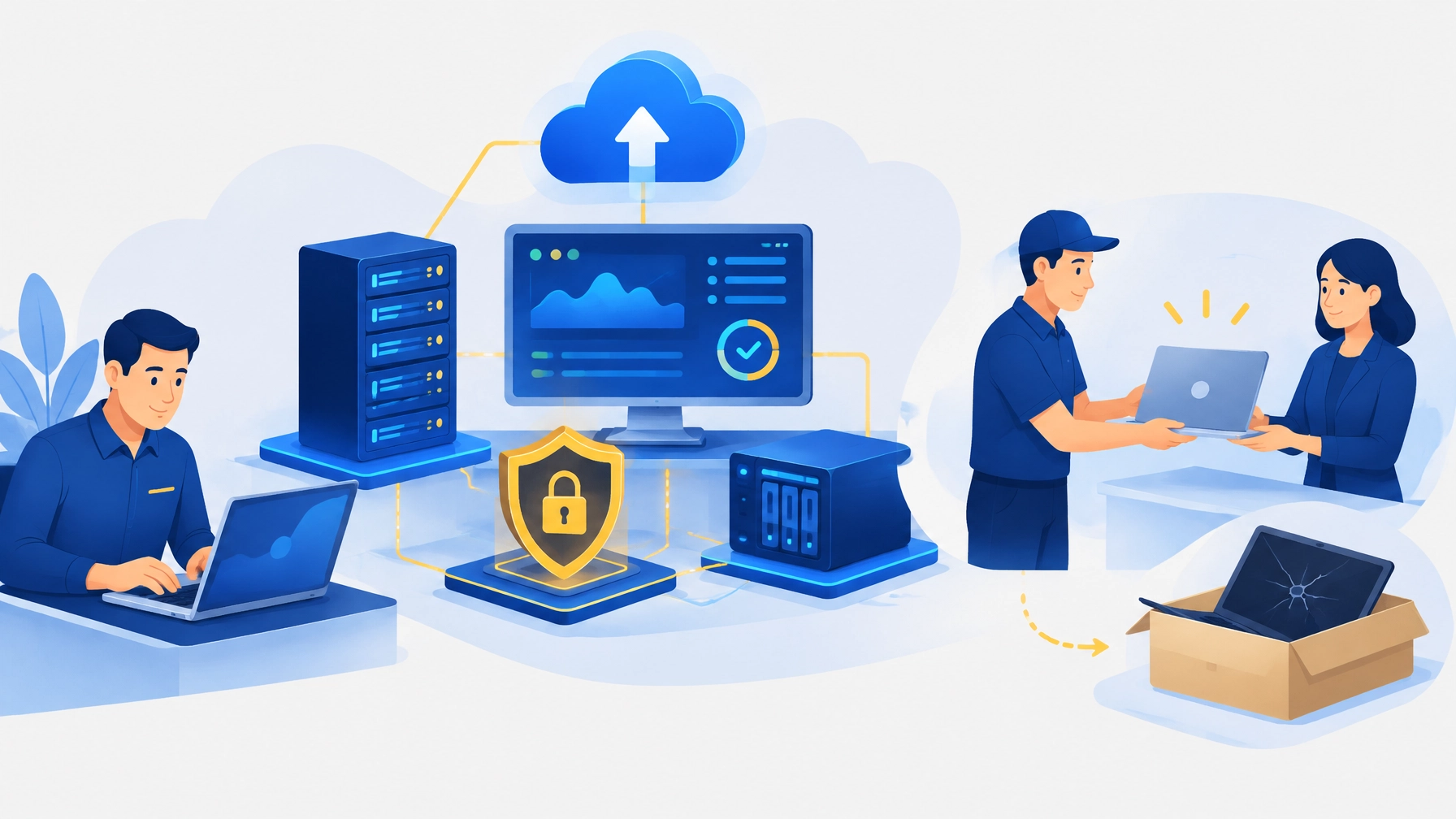
Hardware works best as part of a broader plan. Our team can connect procurement and deployment with proactive monitoring, cybersecurity, backup and disaster recovery, and strategic technology planning. Explore service options, review pricing, or contact us to discuss your next hire, refresh, or server project.
Let’s work together to deliver systems that are ready for the people who depend on them, and support that continues after the box is opened.
Frequently Asked Questions
What does deployment-ready mean for business computers?
It means the computer is prepared before delivery with an updated operating-system image, requested hardware, BIOS settings, management and security tools, identification, and validation checks. The employee may still need to connect to the internet and sign in.
How long does it take to set up a new employee’s computer?
The configuration work happens before the computer arrives. Once delivered, the employee’s remaining steps depend on the business environment and enrollment process, but the device is prepared to reduce manual setup and get the new hire working sooner.
Why shouldn’t a business buy computers from a retail store?
Retail purchases can leave your team responsible for removing unwanted software, applying updates, enrolling devices, installing business applications, and coordinating support. A prepared business system includes those deployment steps as part of the plan.
What is zero-touch deployment?
Zero-touch deployment is a process that minimizes manual setup for the employee. After connecting to the internet and signing in, the system can receive its organization’s approved settings and applications. The device is still prepared and validated before delivery.
What happens if a computer fails under warranty?
Our hardware support team helps coordinate the support process. With advanced replacement, the replacement ships after approval, and the faulty unit is returned after you’re back online.
How long does a hardware replacement take?
After approval, replacement shipping is typically 1–2 business days. Overnight shipping is available for severity-1 business-critical cases, and 2-day express for severity-2 cases.
Do you provide servers and backup appliances as well as laptops and desktops?
Yes. We provide business laptops, desktops, mini-PCs, professional workstations, small-business servers, and pre-configured on-site backup and disaster recovery appliances.
What is included in pre-deployment configuration?
Depending on the agreed deployment, preparation can include a clean and updated image, BIOS configuration, hardware assembly and testing, monitoring and antivirus installation, Autopilot registration, Microsoft 365 tenant enrollment, system naming, asset labeling, and validation.
Can systems be shipped directly to employees?
Yes. Prepared systems can ship directly to employees, branch offices, or your main location.
What warranty coverage do your systems include?
Our systems carry a three-year advanced replacement warranty. Desktop and workstation coverage can be extended up to five years, and server coverage up to seven years. Optional accidental-damage protection is available for laptops.
Have an IT challenge to solve?
Our DFW team is ready to help. Get a free, no-pressure assessment.
Get in touch